Build Build Studio

web / commerce / systems
built across markets

Back to Blog

Playbook

WordPress block pattern library checklist before theme development

Use this checklist to plan a reusable WordPress block pattern library before theme development so editors can build service pages, landing pages, and multilingual content without breaking SEO, layout, or accessibility.

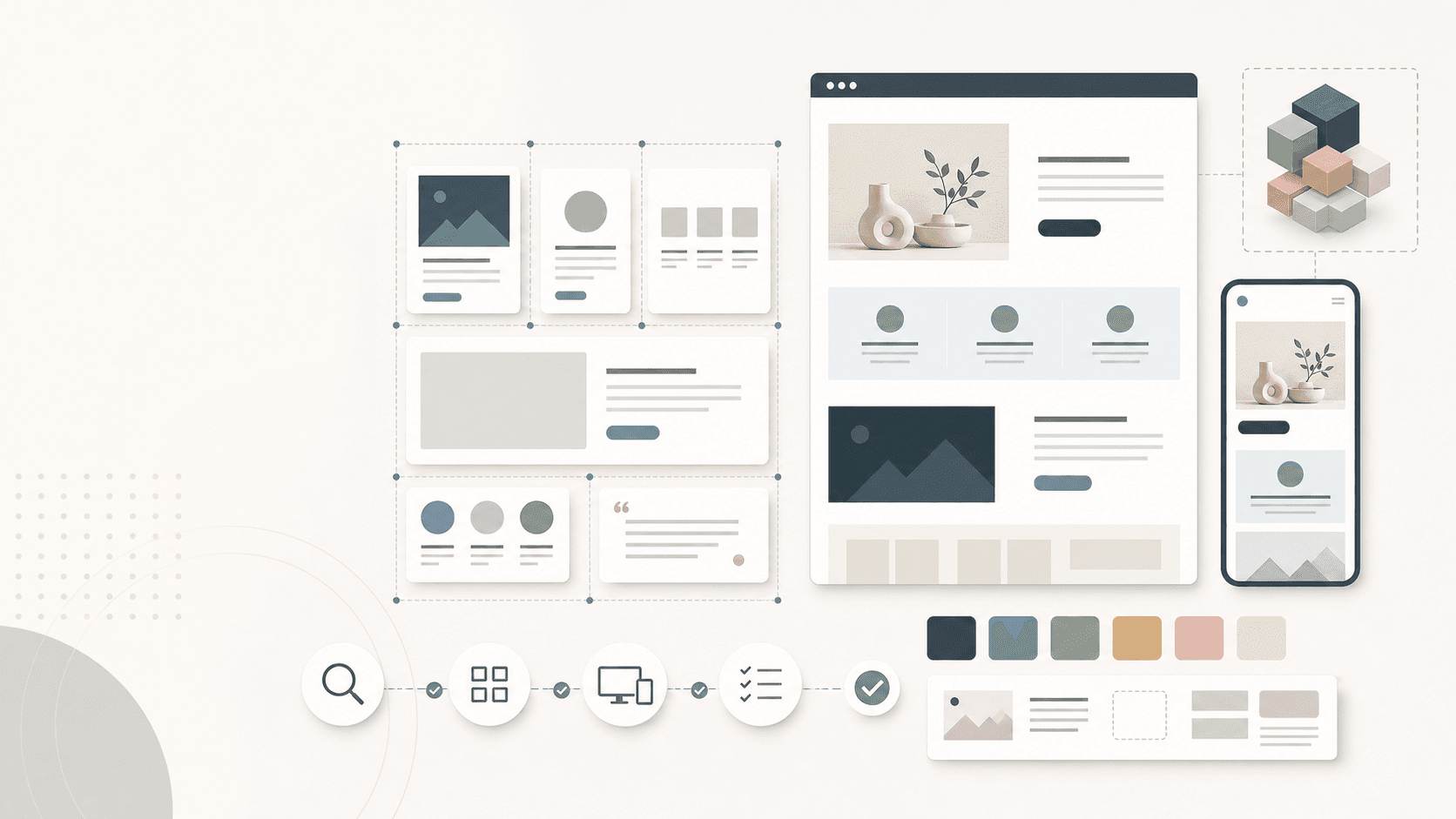
Abstract WordPress theme workspace with reusable block pattern cards, responsive page previews, QA checkpoints, and clean interface shapes without readable UI text.

WordPress themes

Reusable block pattern library

Published

Jul 12, 2026

Read time

8 min read

Topic

WordPress / Theme Development / CMS / SEO / QA

01

Use this before a WordPress theme becomes one-off pages

A WordPress block pattern library is the bridge between a custom theme and a website that clients can actually maintain. It gives editors reusable page sections for service pages, landing pages, resource hubs, case studies, and campaign pages without forcing developers to rebuild the same layout again and again.

The risk is that patterns are often planned too late. Teams design polished pages, then try to extract reusable pieces after development has already started. That usually creates brittle patterns, unclear editor controls, weak SEO fields, and layouts that break when real content is longer than the mockup.

Use this checklist before WordPress theme development, a redesign, or a CMS rebuild. The goal is to define reusable editorial building blocks that protect layout quality, search visibility, accessibility, and handoff stability.

02

Step 1: Inventory the page types editors will build

Start with the actual pages the team needs after launch. A pattern library for a B2B service site is different from one for a media site, local business, ecommerce support hub, or multilingual resource center. The useful library is shaped by publishing work, not by abstract component names.

List each page type and the recurring sections inside it. For example, service pages may need proof blocks, process steps, FAQs, related resources, and inquiry CTAs. Case studies may need result summaries, challenge sections, image galleries, and testimonial modules.

  • List launch page types: homepage, service pages, landing pages, case studies, blog posts, resource hubs, location pages, and legal pages.
  • Mark which sections editors need to add, remove, reorder, or reuse without developer help.
  • Group repeated needs into candidate patterns such as proof strip, feature grid, process steps, FAQ, CTA band, comparison row, and resource cards.
  • Identify sections that should be locked inside templates because editors should not change their structure.
  • Keep a separate list of one-off campaign sections so they do not pollute the core library.

03

Step 2: Separate patterns, templates, and custom blocks

Not every reusable interface belongs in the same WordPress feature. Block patterns are strong for reusable layouts made from core or custom blocks. Templates are better for page structure that should stay consistent. Custom blocks are useful when the editor needs a controlled interface, data source, validation, or dynamic rendering.

Make this decision before development starts. It keeps the theme architecture cleaner and helps the editor understand where content should live.

  • Use block patterns for reusable editorial sections that editors can insert and adapt.
  • Use locked templates for structural areas such as single post layouts, service page shells, and archive pages.
  • Use custom blocks when the section needs strict fields, repeaters, API data, conditional rendering, or business logic.
  • Use custom post types or fields when the content is structured data, not just a section on one page.
  • Document which pieces are safe to edit, which are locked, and which require developer changes.

04

Step 3: Add editor guardrails before styling polish

Patterns should help editors move quickly without turning every page into a blank canvas. Good guardrails make the CMS feel flexible while still protecting brand, spacing, hierarchy, and mobile layout.

Write the guardrails as practical rules. Editors need to know headline length, image ratio, CTA behavior, optional fields, fallback states, and when a pattern should not be used.

  • Define heading levels so editors do not use patterns to create broken H1 or H2 structures.
  • Set image ratios, minimum dimensions, focal point rules, and alt text expectations.
  • Limit CTA count, label length, and link destinations for each pattern.
  • Plan empty states for optional images, badges, statistics, quotes, and related content.
  • Test long names, translated copy, missing media, and too many cards before the pattern is approved.

05

Step 4: Build SEO and internal-link requirements into the library

A WordPress pattern library can support SEO when it creates consistent content structure. It can also hurt SEO when editors duplicate thin sections, skip useful headings, hide important copy in images, or publish pages with no internal links.

For every important pattern, decide what search engines and users need to see in the rendered page. Service and landing page patterns often need clear headings, descriptive copy, related resources, FAQs, schema-ready content, and links to the next page in the journey.

  • Define which patterns can include H2 or H3 headings and which should only contain supporting copy.
  • Add internal-link slots for related services, case studies, resources, contact pages, or pricing pages where relevant.
  • Plan FAQ, testimonial, review, product, organization, or breadcrumb schema only when visible content supports it.
  • Avoid patterns that rely on decorative image text for important keywords or conversion copy.
  • Check whether pattern content appears in rendered HTML, search snippets, Open Graph previews, and XML sitemap routes.

06

Step 5: QA responsive, accessibility, and performance states

A pattern is not ready because it looks good in one desktop mockup. It needs to survive mobile screens, tablet widths, keyboard navigation, screen readers, large text settings, slow images, and real editor mistakes.

Run QA at the pattern level before building dozens of pages. Fixing a spacing, image loading, or heading issue once in the library is cheaper than repairing it across every published page later.

  • Test each pattern at mobile, tablet, laptop, and wide desktop widths.
  • Check keyboard focus order, visible focus styles, link purpose, button labels, and color contrast.
  • Verify that lazy loading, image sizes, responsive sources, and layout stability are handled consistently.
  • Run a page with several patterns stacked together to catch spacing collisions and repeated CTA fatigue.
  • Use real messy content, including long translated strings, short headlines, missing images, and uneven card counts.

07

Step 6: Plan multilingual and content governance rules

If the website is multilingual, the pattern library needs localization rules before content entry starts. A section that works in English may overflow in Chinese, require different link destinations, or need market-specific claims and compliance language.

Governance matters even for one-language sites. Editors should know who can create new patterns, who can edit reusable patterns, and when a page-specific variation should become part of the shared library.

  • Mark which patterns support direct translation and which need market-specific variants.
  • Check localized URLs, internal links, alt text, CTA labels, units, and legal claims.
  • Decide who can edit synced patterns, detached copies, template parts, and custom block defaults.
  • Create naming conventions that help editors find the right pattern without reading developer notes.
  • Review the library after the first month of publishing to merge duplicates and remove confusing options.

08

Step 7: Hand off the library as a publishing system

The final handoff should explain how the library is used, not only where the code lives. Editors need a short runbook with pattern names, intended page types, content limits, image specs, SEO notes, examples, and QA steps before publishing.

Developers also need maintenance rules. A reusable library will change as the business adds services, markets, campaigns, and content formats. Assign ownership so new patterns are reviewed instead of added as quick one-off fixes.

  • Create a pattern catalog with screenshots, names, use cases, field notes, and content limits.
  • Include a pre-publish checklist for headings, metadata, internal links, media, accessibility, and mobile preview.
  • Document which files, template parts, custom blocks, and editor settings control each pattern.
  • Assign owners for content quality, SEO review, theme changes, and library cleanup.
  • Schedule quarterly pattern audits for unused sections, duplicate layouts, broken links, and performance regressions.

What to decide before building block patterns

  • 01Start from real page types and editorial workflows, not from a decorative component inventory.
  • 02Separate reusable patterns, locked templates, custom blocks, and one-off sections before theme development starts.
  • 03Add editor guardrails for headings, media, CTAs, spacing, and responsive behavior so pages stay consistent after handoff.
  • 04Plan SEO fields, schema needs, internal links, and multilingual variants as part of the pattern contract.
  • 05Run pattern-level QA with messy content, accessibility checks, permissions, and a maintenance owner before launch.

Keep reading

Build a site your team can keep running

Strategy, design, development, SEO foundations, and launch support for brands growing across markets.

Start a projectContact@buildbuild.studio