Digital experiences built for performance + scale
Back to Blog

Playbook

WordPress theme handoff checklist after a redesign

A redesigned WordPress site is not finished until the marketing team can safely edit it. Use this handoff checklist to document templates, roles, SEO fields, forms, backups, and the first month of maintenance.

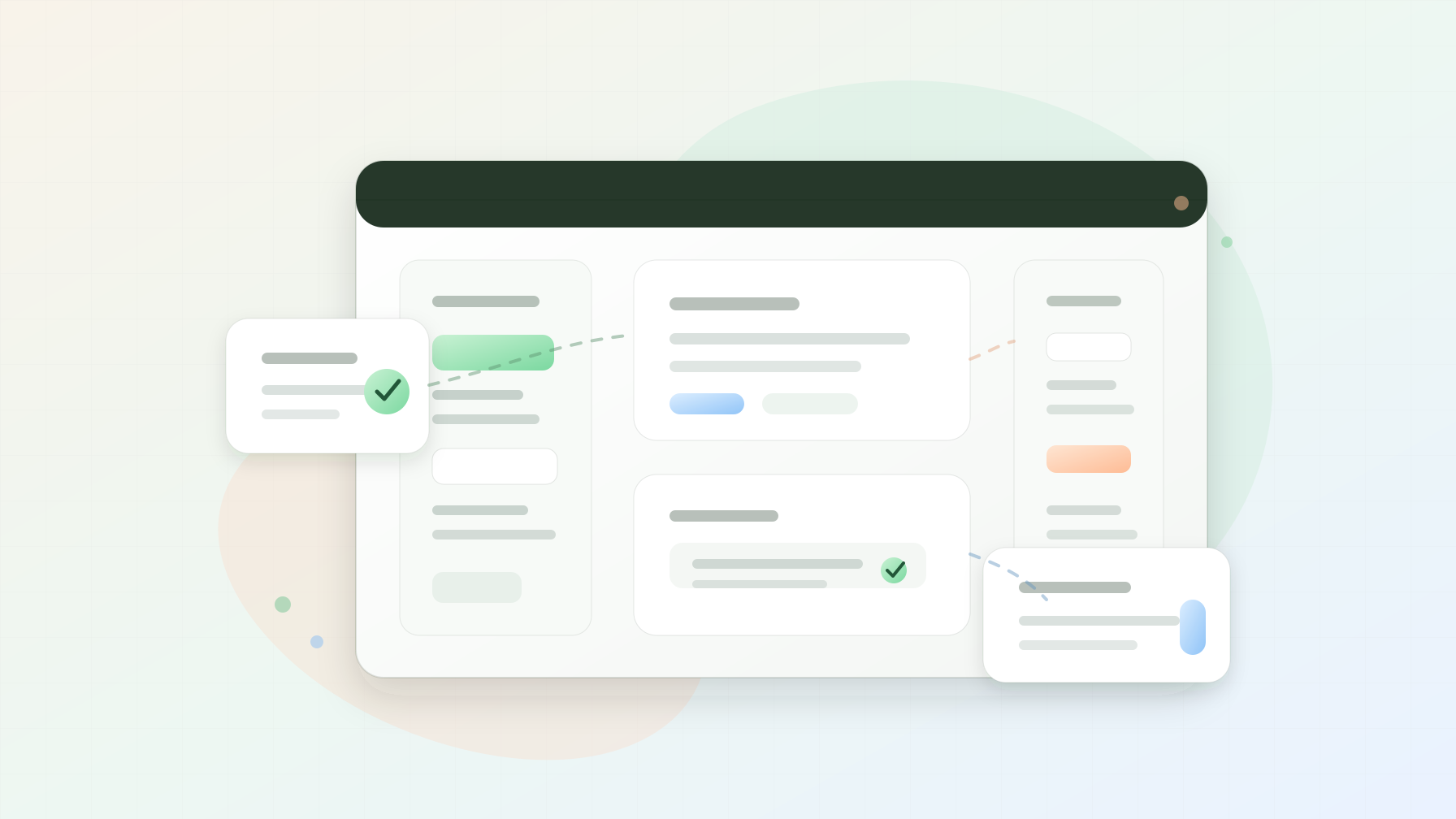
Abstract WordPress theme handoff cover with content editing panels, reusable block cards, QA checkmarks, and maintenance workflow shapes

Handoff tool

WordPress ops

Published

May 22, 2026

Read time

9 min read

Topic

WordPress / CMS / Operations / Technical SEO / Playbook

01

Use this before the marketing team owns the site

A WordPress redesign is not truly finished when the theme looks good on production. It is finished when the marketing team can update service pages, publish posts, replace images, adjust navigation, and review SEO fields without breaking the layouts the redesign was supposed to protect.

This handoff checklist is for custom WordPress themes, block themes, hybrid themes, and service websites rebuilt around Advanced Custom Fields, custom post types, reusable blocks, or multilingual content. Use it after launch QA and before the site owner accepts the project as ready for daily use.

02

Step 1: Define what editors can change

Start the handoff by separating editable content from structural theme decisions. Editors should know which fields are safe, which fields affect global layout, and which changes require developer support. Without that boundary, teams often clone pages, paste inline styles, or install plugins to solve problems the theme already handles.

Create a short content ownership map that names each major template, who owns it, and which editing surface controls it. Include pages, posts, service pages, case studies, landing pages, menus, footer content, forms, SEO metadata, scripts, redirects, and theme options.

  • Mark each template as editor-owned, developer-owned, or shared ownership.
  • Record where global content is edited, such as header navigation, footer links, announcement bars, and reusable calls to action.
  • List fields that should not be changed without review, such as schema settings, canonical URLs, tracking scripts, and form destinations.

03

Step 2: Document reusable blocks and page patterns

A good WordPress theme gives editors repeatable patterns, not an empty canvas. Document the approved blocks, sections, and page patterns that the team should use for common marketing tasks. This keeps new pages consistent with the redesign instead of drifting into one-off layouts within a few weeks.

The documentation does not need to be long. A useful handoff pack shows what each block is for, where it should appear, which fields are required, recommended image ratios, character limits, and what happens when optional fields are empty.

  • Include page patterns for service pages, landing pages, blog posts, case studies, FAQs, and campaign pages.
  • Note practical limits, such as hero headline length, card title length, image aspect ratio, and button count.
  • Add screenshots only when they clarify field behavior; the source of truth should still be the live editor experience.
  • Pair this with the CMS content migration QA checklist when old pages were moved into new templates.

04

Step 3: Check SEO fields, redirects, and index rules

WordPress handoff often skips SEO controls because they live in a plugin, custom field group, or deployment setting. That is risky after a redesign. The team needs to know how title tags, meta descriptions, open graph images, canonicals, noindex states, XML sitemaps, redirects, and schema fields are managed.

Use real pages for the test. Edit a title tag, change an excerpt, replace a social image, update a redirect, and preview the front end. Then confirm the rendered HTML, sitemap, and search console workflow still match the launch plan.

  • Confirm which SEO plugin or custom fields own metadata for each content type.
  • Test noindex and canonical controls on staging-only pages, thank-you pages, filtered archives, and duplicate landing pages.
  • Document the redirect workflow, including who can add redirects and who reviews them before publishing.
  • Keep schema fields restricted if the wrong value could create inaccurate structured data.

05

Step 4: Test roles, publishing workflow, and backups

Do not hand over a site using only the administrator account. Create or verify real roles for editors, authors, SEO reviewers, translators, and developers. A marketing editor should be able to complete normal work without access to plugin installation, theme editing, user management, or production configuration.

Also confirm the publishing workflow and recovery path. The team should know how drafts, revisions, approvals, backups, restore points, plugin updates, and deployment rollback work before something breaks during a campaign.

  • Test the top 10 editing tasks with the actual editor role, not an admin account.
  • Confirm revision history is enabled for important content types and not blocked by custom fields.
  • Document backup frequency, restore owner, restore time expectation, and where backups are stored.
  • Disable or restrict risky capabilities such as plugin installation, theme file editing, and arbitrary script injection.

06

Step 5: QA forms, media, and multilingual content

A WordPress editor handoff has to include the systems that editors touch after launch. Forms, media, translations, embeds, and reusable content often fail quietly because they sit between theme code, plugins, and external services.

Have the team complete a realistic update: publish a new post, swap a hero image, update a service page, edit a form confirmation, add a translated page, and refresh a reusable call to action. That single exercise exposes unclear fields, missing permissions, image problems, and translation drift.

  • Check form destinations, notifications, spam settings, hidden attribution fields, and success messages.
  • Document image sizes, naming rules, alt text expectations, compression, and when to use SVG, PNG, JPG, or WebP.
  • For multilingual websites, confirm translators can edit localized slugs, metadata, menus, buttons, and reusable blocks.
  • Test embeds and third-party scripts in the real page layout, especially cookie banners, calendars, maps, and video players.

07

Step 6: Build the handoff pack

The handoff pack should be small enough that the team will actually use it. Aim for a practical operating manual, not a full technical specification. The best version combines a short page inventory, editor workflow notes, plugin ownership, maintenance responsibilities, and escalation paths.

Keep it close to the team’s daily tools. A Notion page, shared document, or project wiki is usually better than a PDF that goes stale. Include links to the admin URL, staging URL, analytics dashboard, hosting dashboard, form inbox, backup location, and issue tracker.

  • Include a template inventory, block inventory, plugin inventory, and recurring maintenance calendar.
  • List account owners for hosting, domain, DNS, email, forms, analytics, search console, and paid plugins.
  • Record the safest way to request new sections, template changes, plugin additions, and urgent fixes.
  • Add a known-good smoke test that the team can run after updates or content releases.

08

Step 7: Run a supervised edit session

A video walkthrough is useful, but it does not prove the handoff worked. Schedule a live session where the marketing team performs real tasks while the development team watches. The goal is to find confusing field names, missing permissions, unclear preview states, and gaps in documentation before support tickets pile up.

Use tasks that match the site’s business model. For a B2B service website, update a service page, publish an insight article, add a case study quote, adjust a form recipient, and review SEO metadata. For a campaign site, clone a landing page pattern and change the offer without editing structural code.

  • Ask editors to narrate where they expect each field to be before helping them.
  • Fix confusing field labels and helper text immediately when the pattern is obvious.
  • Record unresolved issues as launch follow-up tasks with owners and due dates.
  • Repeat the session after major template changes or new plugin workflows.

09

Step 8: Schedule the first 30 days of maintenance

The first month after a WordPress redesign is when small handoff problems become visible. Plan maintenance before the project closes. Review broken links, form submissions, search indexing, plugin updates, editor questions, performance, backups, and content changes during the first 30 days.

This is where the handoff connects to ongoing support. The team should know what is included in maintenance, what is billable improvement work, and how urgent production issues are handled. A clear support path keeps the redesigned site from becoming hard to manage six months later.

  • First week: review editor questions, form delivery, redirects, indexing, backups, and critical plugin updates.
  • First 14 days: check page changes made by the team and refine documentation where mistakes repeat.
  • First 30 days: review performance, plugin health, search visibility, analytics events, and support requests.
  • Keep the 90-day website maintenance checklist as the next operating rhythm after the handoff period.

Handoff checklist

  • 01List exactly which templates, blocks, menus, settings, and SEO fields editors are allowed to change.
  • 02Document reusable page patterns so the team does not clone old pages and break the new design system.
  • 03Test roles, publishing workflow, backups, forms, media rules, and multilingual fields before the site owner signs off.
  • 04Run a supervised edit session with real marketing tasks instead of only sending a video walkthrough.
  • 05Schedule the first 30 days of WordPress maintenance while the redesign is still fresh.

Keep reading

Now booking for Q2 2026

Start a project

Tell us your goal, timeline, and budget. We'll reply within 2 business days with the best next step.

I'm Max, founder of Build Build Studio. I work with a small network of trusted designers, developers, and specialists, keeping senior attention and direct communication close to every project.
Mo – Fr: 9AM–5PMGMT+8 local time

Project communication

Mandarin / ChineseNativeCantoneseNativeEnglishWorking proficiency

Formal proposals and pitch work are scoped as paid discovery.

Start a project