Digital experiences built for performance + scale
Back to Blog

Playbook

WordPress custom post type planning checklist before theme development

Plan custom post types before WordPress theme development starts. Use this checklist to define content types, taxonomies, fields, URLs, templates, SEO metadata, and editor workflows before the build becomes expensive to change.

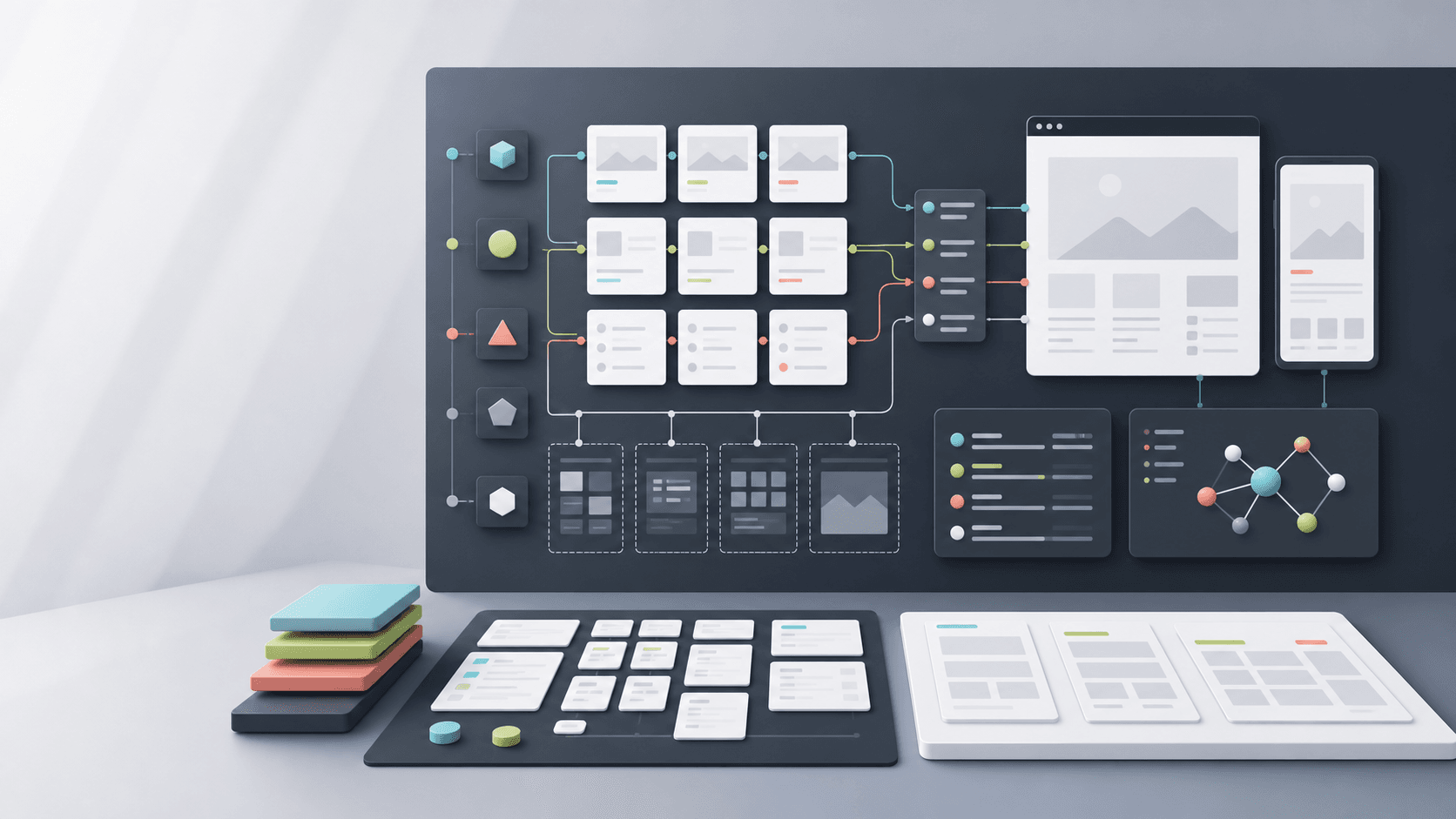
Abstract WordPress custom post type planning board with content cards, taxonomy branches, permalink routes, SEO panels, and responsive template frames

Practical tool

CPT planning

Published

May 29, 2026

Read time

11 min read

Topic

WordPress / Technical SEO / CMS / Playbook

01

Use this before the WordPress theme is designed or built

Custom post types can make a WordPress site easier to manage, or they can create a CMS that only the original developer understands. The difference is planning. Before theme development starts, the team should know which content deserves its own type, which content should remain a page, and how editors will create, connect, translate, archive, and retire those entries.

This checklist is for service businesses, B2B teams, publishers, and ecommerce-adjacent brands planning a WordPress redesign or custom theme. Use it before wireframes are final, before field groups are built, and before migration work begins.

02

Step 1: Inventory repeatable content, not page layouts

Start by listing the content the business needs to publish repeatedly. Common examples include case studies, services, team members, resources, locations, events, careers, partners, products, documentation, FAQs, and testimonials. Do not create a custom post type just because a page design repeats. Create one when the content has a repeatable structure, its own archive, its own owner, and a reason to be queried or reused.

For each candidate, document who owns it, how often it changes, whether it should appear in search, where it appears on the website, and what happens when it becomes outdated. This keeps the CMS model tied to operations instead of design preference.

  • List every repeatable content set and mark it as publishable, reusable, private, or temporary.
  • Record the business owner, editor owner, update frequency, and review cadence.
  • Note whether the content needs an archive page, search results, feeds, redirects, or translations.

03

Step 2: Choose between CPTs, taxonomies, fields, and pages

Many WordPress planning mistakes come from using the wrong content structure. A custom post type is useful when entries need their own URLs, templates, archives, permissions, metadata, and relationships. A taxonomy is better when the team needs to group or filter entries. A field is better when the value belongs to one entry. A normal page is better when the content is unique and rarely reused.

Make these decisions before development because changing them later affects URLs, migrations, templates, queries, redirects, analytics, and SEO reporting. A clean model should be boring to explain. If the team needs a diagram to remember where a piece of content belongs, simplify the model.

  • Use a CPT for repeatable entries with their own detail template and lifecycle.
  • Use a taxonomy for grouping, filtering, navigation, or cross-linking entries.
  • Use fields for values such as client name, project year, reading time, CTA, or hero image.
  • Use pages for one-off content such as About, Contact, Privacy, and campaign landing pages.

04

Step 3: Lock URL and archive rules early

A custom post type is also a URL decision. Define the slug, archive URL, single-entry URL, pagination, breadcrumb path, canonical behavior, and whether taxonomy terms should be indexable. These choices affect technical SEO, sitemap rules, redirect mapping, internal links, and content migration.

Do not leave URL decisions to the end of development. If case studies move from /work/project-name to /case-studies/project-name, the redirect map, templates, analytics annotations, and internal links all need to know. If a CPT is private or only supports embedded cards, it may not need public URLs at all.

  • Define single URL patterns, archive URLs, taxonomy URLs, and canonical rules.
  • Decide which archives and term pages should be indexable, noindexed, or hidden.
  • Map legacy URLs and content IDs before migration starts.
  • Confirm breadcrumbs and internal links match the final URL model.

05

Step 4: Design editor fields as a product interface

Editors experience a custom post type through fields, labels, help text, previews, defaults, and validation. If the fields are vague, the front end will become inconsistent. If the fields are too rigid, every useful variation will require developer help. Treat each CPT editing screen like a small product interface for the content team.

For each field, define the label, expected format, required state, character guidance, image ratio, fallback behavior, and where the field appears on the front end. Editors should not have to inspect the live theme to understand what a field controls.

  • Use plain field names such as Client, Industry, Result, CTA label, and Featured image.
  • Set required fields only when missing content would break the template or SEO.
  • Add help text for image crops, excerpt length, link formats, and optional modules.
  • Document fallback behavior for empty fields, missing images, and unpublished related entries.

06

Step 5: Plan relationships and reusable modules

Most useful WordPress sites connect content. Services relate to case studies. Resources relate to authors and topics. Locations relate to teams and offers. If those relationships are planned late, developers often hard-code them into templates, which makes future edits slow and fragile.

Define which relationships are manual, automatic, or taxonomy-driven. Manual relationships give editors control. Automatic relationships reduce maintenance. Taxonomy-driven relationships work well when content volume is high and the tagging rules are clear. Choose deliberately instead of mixing all three without a rule.

  • List every related content block and decide whether editors choose entries manually.
  • Use taxonomies for broad grouping and fields for curated relationships.
  • Set limits, such as three related resources or four featured case studies.
  • Define what appears when a related entry is draft, unpublished, or missing.

07

Step 6: Define SEO metadata and schema per content type

Custom post types need SEO rules before the first entry is migrated. Decide how title tags, meta descriptions, Open Graph images, schema, breadcrumbs, XML sitemaps, canonical tags, and noindex rules work for each type. The defaults for a blog post are often wrong for a case study, service, location, event, or resource library.

This is also the point to decide which fields should power structured data. A case study may need client, industry, result, date, and service fields. An event may need start date, location, organizer, and status. If the CMS does not collect the data, the theme cannot output reliable schema.

  • Write default title and meta description patterns for each CPT.
  • Choose the schema type and required fields before field groups are finalized.
  • Check sitemap inclusion, canonical rules, noindex rules, and archive pagination.
  • Set social sharing image rules and fallbacks for entries without custom images.

08

Step 7: Prepare migration and QA scenarios

If the redesign includes existing content, migration planning needs the CPT model. Map old content types, spreadsheet columns, CMS exports, media files, authors, categories, tags, redirects, and internal links to the new structure. Every required field needs a source, a default, or a manual cleanup owner.

QA should include real migrated entries, not only new demo content. Pick edge cases: long titles, missing images, old URLs, duplicate slugs, retired services, translated entries, unusual categories, and entries with no related content. These are the cases that reveal whether the model can survive launch.

  • Create a field mapping sheet for every CPT before import work starts.
  • Test migrated entries with long text, missing media, duplicate slugs, and legacy redirects.
  • Review internal links after migration so old paths do not remain in body content.
  • Keep a cleanup queue for entries that cannot be migrated cleanly.

09

Step 8: Document the governance model

A custom post type is only useful if the team can maintain it. Before handoff, document who can create entries, who approves them, which fields are required, how translations are handled, how archives are curated, and when outdated content should be reviewed or removed.

This governance layer prevents the CMS from drifting after launch. The website stays easier to improve because future developers, SEO teams, and editors can understand why each content type exists and how it should be used.

  • Document create, edit, approve, archive, and delete responsibilities for each CPT.
  • Set review reminders for dated content such as events, careers, offers, and case studies.
  • Include screenshots or short notes showing how each field appears on the front end.
  • Keep the CPT model in the handoff docs so future maintenance work starts with context.

Planning checklist

  • 01Name each custom post type by its business job, owner, lifecycle, and public visibility.
  • 02Separate custom post types, taxonomies, reusable fields, and ordinary pages before development starts.
  • 03Lock URL rules, archive behavior, breadcrumbs, and redirect needs before templates are built.
  • 04Define editor fields with validation, help text, image ratios, and fallback states.
  • 05QA SEO metadata, schema, internal links, multilingual rules, and migration mapping before launch.

Keep reading

Now booking for Q2 2026

Start a project

Tell us your goal, timeline, and budget. We'll reply within 2 business days with the best next step.

I'm Max, founder of Build Build Studio. I work with a small network of trusted designers, developers, and specialists, keeping senior attention and direct communication close to every project.
Mo – Fr: 9AM–5PMGMT+8 local time

Project communication

Mandarin / ChineseNativeCantoneseNativeEnglishWorking proficiency

Formal proposals and pitch work are scoped as paid discovery.

Start a project