

Digital experiences built for performance + scale
Back to Blog

Shopify

Shopify collection page SEO checklist before launch

Collection pages are usually where Shopify SEO, merchandising, filtering, and conversion meet. Use this launch checklist before redesigning, migrating, or publishing high-value collections.
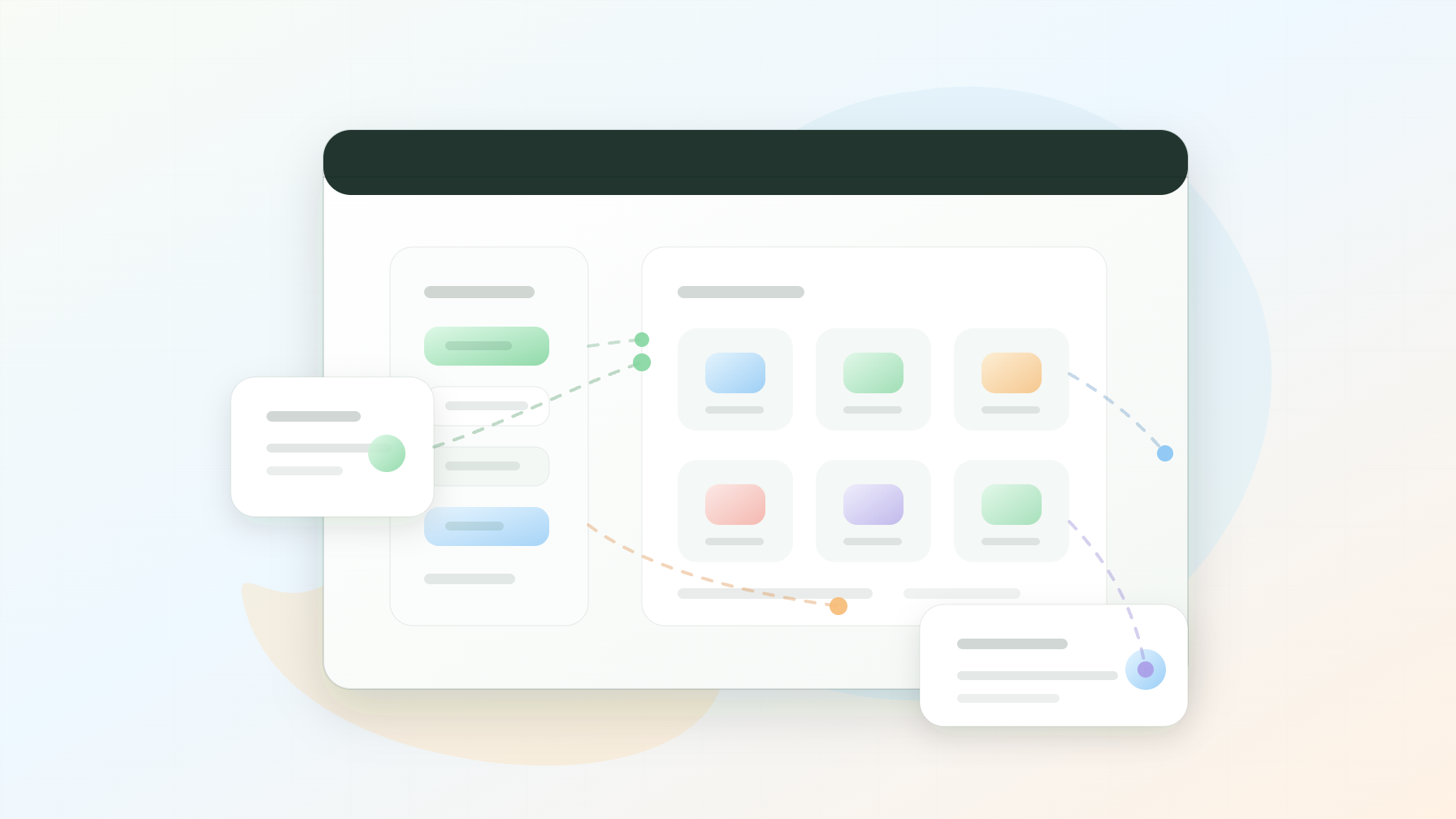
Original editorial illustration of a Shopify collection page SEO QA dashboard with a clean logo-free corner

SEO QA

Collection pages

Published

May 12, 2026

Read time

10 min read

Topic

Shopify / Technical SEO / Operations / Playbook

01

Start with the job of the collection page

A Shopify collection page is not just a product grid. It is often an SEO landing page, a merchandising surface, a navigation hub, and a campaign entry point at the same time. If the page is built only around showing products, it can miss search intent, bury useful filters, create duplicate URLs, or send shoppers into a weak product discovery path.

This Shopify collection page SEO checklist is for teams preparing a store redesign, theme refactor, migration, campaign launch, or technical SEO cleanup. Use it for top-level collections, seasonal collections, gift guides, sale pages, brand collections, and any category page that receives organic traffic or paid campaign traffic.

02

Step 1: Decide which collections should rank

Start by separating real landing pages from operational collections. A real SEO collection has search demand, a clear shopper intent, enough products, useful copy, and a stable internal-link path. An operational collection might only exist for merchandising rules, discount logic, bundles, or temporary navigation.

Do not index every collection by default. Shopify stores can quickly accumulate thin collections, tag URLs, vendor pages, filtered views, and campaign collections that compete with each other. Choose the pages that deserve search visibility, then make the rest serve operations without becoming index bloat.

  • Mark each collection as index, noindex, campaign-only, navigation-only, or internal merchandising.
  • Keep indexable collections stable enough to support rankings, links, and recurring campaigns.
  • Merge or redirect collections that target the same keyword and product set.
  • Create a separate note for temporary collections that should expire after a campaign.

03

Step 2: QA titles, descriptions, and headings

Collection metadata should match the shopper's intent, not just the internal collection name. A collection called Featured Products is rarely a useful title tag. A collection targeting vitamin C serum, trail running shoes, refillable candles, or B2B ecommerce templates needs a title, meta description, H1, intro copy, and product sorting that support that specific query.

Keep the page practical. Collection copy should explain what the shopper can compare, how to choose, and what makes the product set useful. It does not need to become a long article, but it should give search engines and customers enough context to understand the category.

  • Write a unique title tag for every indexable collection, usually under 60 characters.
  • Keep the meta description specific, usually around 140 to 160 characters.
  • Use one clear H1 that matches the collection's primary intent.
  • Add short supporting copy above or below the grid when it helps comparison and SEO.

04

Step 3: Control filters, tags, sort URLs, and canonicals

Filters are useful for shoppers, but they can create a large number of URL variants. Size, color, price, availability, product type, vendor, tag, sort order, and search parameters may all produce pages that look similar to search engines. Decide which filtered states deserve crawlable URLs and which should stay as user interface states.

Canonical rules should be deliberate. If a filtered page targets a meaningful query and has enough product depth, it might deserve its own indexable landing page. If it only narrows a grid from twelve products to three, it probably should canonicalize back to the main collection or avoid indexation.

  • Crawl sample filter, tag, pagination, and sort URLs before launch.
  • Check canonical tags on default, filtered, paginated, and localized collection states.
  • Avoid internal links to low-value parameter URLs unless they are meant to be landing pages.
  • Confirm XML sitemap output includes only the collection URLs that should be discovered.

05

Step 4: Test merchandising rules with real inventory

SEO cannot fix a collection that sends shoppers to the wrong products. Test collection sorting, featured products, availability rules, sale logic, bundles, subscriptions, product badges, variant display, and out-of-stock behavior with real inventory. A collection page often breaks when the product set changes after launch.

This is especially important before a campaign. A page can have the right title and metadata while the grid shows sold-out items first, hides the promoted product on mobile, or excludes a key product because of a tag mismatch. Merchandising QA should happen in the same checklist as SEO QA because both affect the landing page experience.

  • Test manual sorting, automated rules, and fallback sorting when products change.
  • Check sale, new arrival, bestseller, gift guide, and limited-edition collections.
  • Confirm empty states and low-inventory states have useful copy and next steps.
  • Review product cards for price, variant labels, badges, reviews, image crops, and CTA states.

06

Step 5: Check internal links and collection hierarchy

Collection pages need internal links from navigation, product pages, homepage modules, blog posts, buying guides, campaign pages, and related collections. If the only path to a high-value collection is a temporary homepage tile, the page is fragile. If every page links to every collection, the hierarchy becomes noisy.

Build a simple internal-link plan. Priority collections should appear in persistent navigation or hub pages. Supporting collections can be linked from related product pages and editorial content. Seasonal collections need a plan for what happens after the season ends.

  • Link priority collections from navigation, category hubs, and relevant product pages.
  • Add contextual links from guides, blog posts, and campaign landing pages.
  • Remove outdated internal links to expired or redirected collections.
  • Make sure breadcrumbs show a useful hierarchy without creating duplicate paths.

07

Step 6: Validate schema, analytics, and launch monitoring

Collection pages should produce clean structured data where the theme supports it. At minimum, check BreadcrumbList output and product-related markup that appears inside product cards or collection templates. Do not assume app-injected schema is correct across collection, product, and search templates.

Then verify analytics. Collection view events, filter usage, sort usage, product clicks, add-to-cart events, and campaign parameters should be measurable before launch. This helps the team see whether a collection page is failing because of rankings, merchandising, UX, inventory, or tracking.

  • Validate structured data on default and filtered collection states.
  • Test analytics events for view collection, filter use, product click, and add to cart.
  • Save a baseline for organic landing pages, clicks, impressions, revenue, and conversion rate.
  • Review Search Console, analytics, crawl errors, and collection performance for at least 30 days.

08

What to hand off after QA

The handoff should include the indexation decision, keyword target, metadata, intro copy, canonical rule, sitemap rule, merchandising notes, internal-link plan, schema notes, analytics events, and known launch risks for every important collection. That document gives SEO, design, development, and ecommerce teams one shared source of truth.

A strong Shopify collection page should help shoppers compare products, help search engines understand the category, and help the team keep merchandising clean after launch. When those jobs are handled together, collection pages become durable growth assets instead of product grids that slowly drift out of shape.

Collection page checklist

  • 01Treat Shopify collection pages as SEO landing pages, merchandising surfaces, and navigation hubs, not only product grids.
  • 02Decide which collections should be indexable before filters, tags, pagination, and sort parameters create duplicate URLs.
  • 03QA title tags, descriptions, headings, canonical URLs, internal links, schema, product availability, and analytics events before launch.
  • 04Test collection pages with real products, empty states, out-of-stock products, sale logic, mobile filters, and localized content.
  • 05Keep a launch log so merchandising, SEO, design, and development teams can separate urgent bugs from ongoing optimization.

Keep reading

Now booking for Q2 2026

Start a project

Tell us your goal, timeline, and budget. We'll reply within 2 business days with the best next step.

I'm Max, founder of Build Build Studio. I work with a small network of trusted designers, developers, and specialists, keeping senior attention and direct communication close to every project.
Mo – Fr: 9AM–5PMGMT+8 local time

Project communication

Mandarin / ChineseNativeCantoneseNativeEnglishWorking proficiency

Formal proposals and pitch work are scoped as paid discovery.

Start a project