
Digital experiences built for performance + scale
Back to Blog

SEO

Canonical URL QA checklist for Shopify, WordPress, and headless sites

Use this canonical URL QA checklist to test duplicate templates, URL parameters, redirects, pagination, hreflang, sitemaps, and rendered HTML before a launch or redesign.

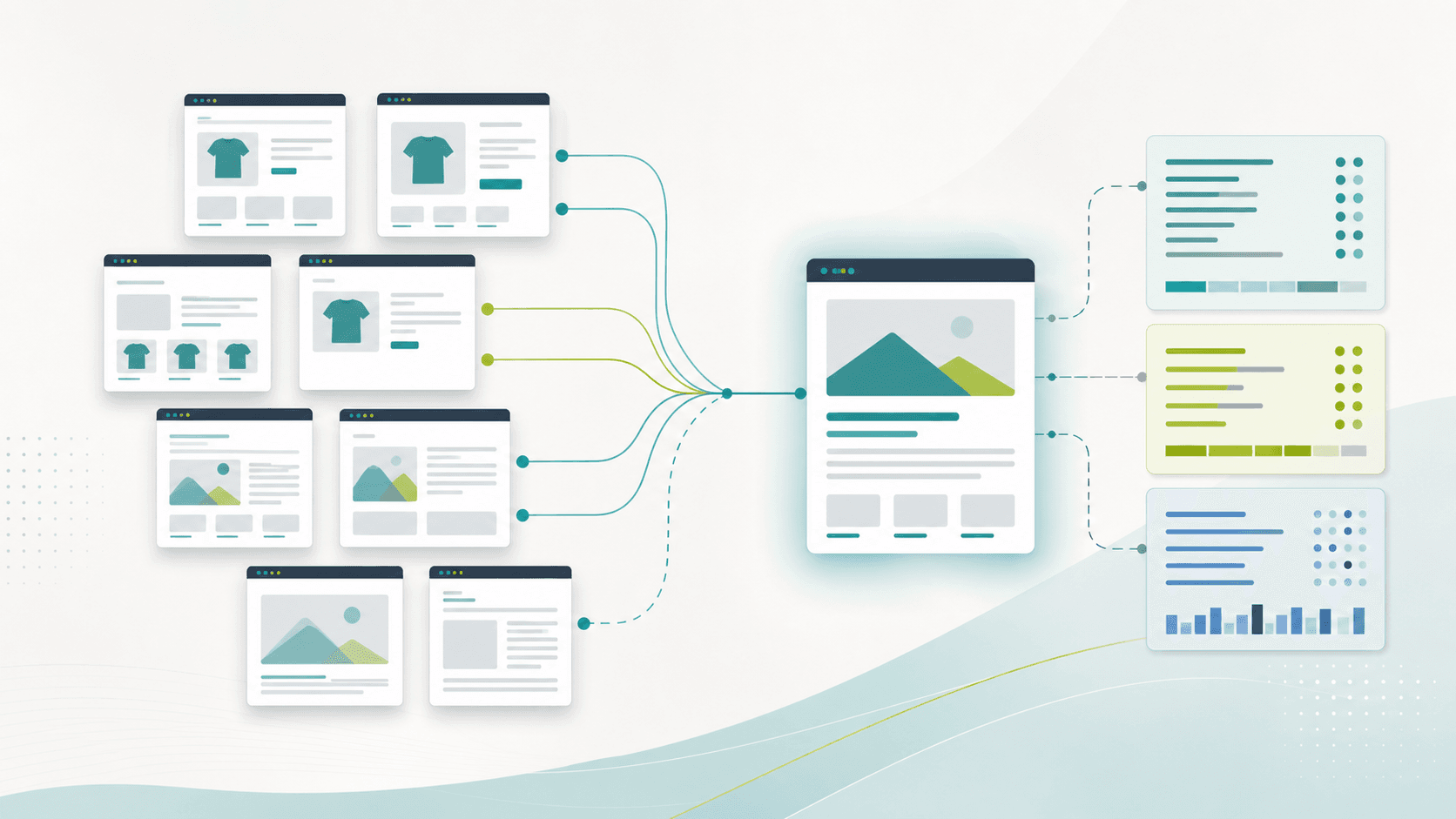
Abstract canonical URL QA workflow with duplicate website cards merging into one primary page, route lines, and technical SEO checklist panels

Practical tool

Canonical QA

Published

Jun 4, 2026

Read time

10 min read

Topic

Technical SEO / Shopify / WordPress / Headless / Playbook

01

Canonical QA should happen before launch freeze

Canonical tags are small, but canonical mistakes can spread across thousands of URLs. A Shopify filter, WordPress archive, headless product route, staging domain, or campaign parameter can tell search engines that the wrong page is the primary version.

This checklist is for redesign launches, Shopify theme updates, WordPress theme development, headless commerce migrations, and technical SEO maintenance. Use it when URLs are close to final but there is still time to fix templates, redirects, internal links, and CMS rules.

02

Step 1: Inventory every duplicate URL pattern

Do not start by checking one homepage canonical. Start by listing every way the same content can appear under more than one URL. Crawl staging, crawl production, export URLs from analytics, review Search Console, and ask the ecommerce or content team which links customers actually use.

The inventory should include normal page templates and edge cases. Canonical bugs usually hide in filters, pagination, preview URLs, product variants, localized paths, tracking URLs, and older links that survived a redesign.

  • Shopify: product URLs under collections, variant URLs, collection filters, sorting, search results, markets, and app-generated landing pages.
  • WordPress: category archives, tag archives, author pages, paginated archives, attachment pages, preview URLs, and custom post type archives.
  • Headless sites: CMS preview routes, API slugs, trailing slash variants, case variants, localized routes, and client-side filter states.
  • Redesigns: legacy URLs, redirect chains, UTM links, paid campaign links, old sitemap URLs, and URLs still used by partners or sales teams.

03

Step 2: Write a canonical rule table

A rule table prevents one developer, one SEO lead, and one content editor from making three different decisions. For each URL pattern, define the canonical owner, whether the URL can be indexed, whether it belongs in the sitemap, and where internal links should point.

Keep the table practical. Each row should include page type, example URL, canonical target, indexability rule, sitemap rule, hreflang rule, redirect rule, owner, and QA status. If a rule cannot be written clearly, the site structure probably needs a decision before implementation.

  • Mark self-canonical pages separately from pages that should canonicalize to another URL.
  • Decide whether filtered collection pages, search pages, and archive pages are useful landing pages or crawl noise.
  • Document exceptions for strategic SEO landing pages so they are not accidentally canonicalized away.
  • Assign an owner for future changes because apps, plugins, and CMS editors can create new URL patterns after launch.

04

Step 3: QA canonical tags in rendered HTML

CMS settings are not enough. Test the rendered HTML that search engines receive. A theme file, SEO plugin, Shopify app, headless layout component, or middleware rule can change the canonical output after the CMS field looks correct.

Every indexable page should have exactly one canonical tag, and that tag should point to an absolute HTTPS URL that resolves cleanly. It should not point to staging, a redirected URL, a mixed-case variant, a tracking URL, or a page blocked by noindex or robots rules.

  • Check homepage, product pages, collection pages, service pages, blog posts, custom post types, landing pages, and localized templates.
  • Confirm the canonical URL uses the final host, protocol, path format, trailing slash rule, and lowercase convention.
  • Test rendered HTML with JavaScript enabled for headless sites and app-heavy Shopify storefronts.
  • Make sure there are no duplicate canonical tags from themes, plugins, injected scripts, or legacy SEO code.

05

Step 4: Test redirects, parameters, and pagination together

Canonicals should support the URL rules, not compensate for broken redirects. If a URL redirects, the canonical target should match the final destination after the redirect chain. If a URL keeps parameters, the canonical rule should match the indexing decision for that parameter pattern.

Pagination needs a deliberate decision. Some paginated pages should self-canonicalize, some archives should consolidate, and some search or filter states should stay out of search results. The wrong default can hide useful pages or waste crawl budget on duplicates.

  • Test HTTP to HTTPS, www to non-www, trailing slash rules, uppercase paths, old URLs, and redirected product or post slugs.
  • Check UTM, email, paid media, affiliate, internal search, sorting, filtering, and session parameters.
  • Verify paginated collections, blog archives, resource hubs, and WordPress archives do not canonicalize every page to page one unless that is intentional.
  • Confirm canonical targets return 200 status codes and are not blocked, noindexed, password protected, or removed from the sitemap by mistake.

06

Step 5: Align canonical tags with hreflang

Multilingual websites add another failure mode. Each localized page should usually canonicalize to itself while hreflang connects the language or regional alternatives. If every language points canonically to English, the non-English pages may never earn their own search visibility.

Check this on real templates, not only the homepage. Product pages, collection pages, blog posts, resource pages, and legal pages often use different routing or CMS fields. The canonical and hreflang clusters should agree with the final localized URL structure.

  • Confirm each localized page has a self-canonical URL in the same language or region.
  • Make hreflang alternates point to indexable, canonical URLs that return 200 status codes.
  • Check x-default, regional variants, translated slugs, fallback pages, and unavailable product states.
  • Avoid mixing canonical rules from one locale with hreflang links from another locale or market.

07

Step 6: Keep sitemaps and internal links consistent

A sitemap full of non-canonical URLs sends mixed signals. The same is true when navigation, breadcrumbs, cards, related posts, XML sitemaps, and schema markup all point to different versions of the same page.

Before launch, compare the canonical rule table against internal links and generated sitemaps. The goal is not just valid tags. The goal is a site where every major signal points to the same preferred URL.

  • Export XML sitemap URLs and confirm they are all canonical, indexable, final 200 URLs.
  • Check navigation, breadcrumbs, cards, faceted links, related products, related posts, and footer links.
  • Make structured data URLs match the canonical page where relevant, especially Product, BreadcrumbList, Article, and Organization entities.
  • Update CMS references, menu builders, app settings, and hard-coded theme links that still point to duplicate URLs.

08

Step 7: Validate before and after launch

Before launch, crawl a representative set of at least 200 URLs or every important template if the site is smaller. Include a mix of canonical pages, duplicate pages, redirected URLs, parameterized URLs, paginated URLs, and localized pages.

After launch, do not wait for traffic to drop before checking canonicalization. Re-crawl the same sample, inspect priority URLs in Search Console, and compare declared canonicals with Google-selected canonicals during the first few weeks.

  • Create a pass or fail column for declared canonical, HTTP status, indexability, sitemap inclusion, internal link target, and hreflang consistency.
  • Use Search Console URL Inspection for high-value product, service, collection, blog, and localized pages.
  • Monitor excluded duplicates, alternate pages with proper canonical tags, duplicate without user-selected canonical, and crawled-currently-not-indexed patterns.
  • Turn repeated issues into theme fixes, plugin settings, middleware rules, redirect updates, or CMS editor guidelines.

Canonical URL QA checklist

  • 01Start with a canonical rule table before editing tags so every duplicate URL pattern has one agreed owner.
  • 02Crawl staging and production for product variants, collection filters, search URLs, pagination, tracking parameters, legacy URLs, and locale paths.
  • 03Validate canonical tags in rendered HTML, not only CMS settings, because apps, plugins, and headless components can overwrite output.
  • 04Keep canonical tags aligned with redirects, internal links, sitemaps, hreflang alternates, and indexability rules.
  • 05After launch, sample Search Console and crawl data weekly until Google-selected canonicals match the intended rules.

Keep reading

Now booking for Q2 2026

Start a project

Tell us your goal, timeline, and budget. We'll reply within 2 business days with the best next step.

I'm Max, founder of Build Build Studio. I work with a small network of trusted designers, developers, and specialists, keeping senior attention and direct communication close to every project.
Mo – Fr: 9AM–5PMGMT+8 local time

Project communication

Mandarin / ChineseNativeCantoneseNativeEnglishWorking proficiency

Formal proposals and pitch work are scoped as paid discovery.

Start a project