
Digital experiences built for performance + scale
Back to Blog

SEO

URL parameter SEO QA checklist for Shopify and B2B websites

Use this URL parameter SEO checklist to test filters, sorting, tracking URLs, canonical tags, noindex rules, redirects, analytics, and multilingual edge cases before launch.

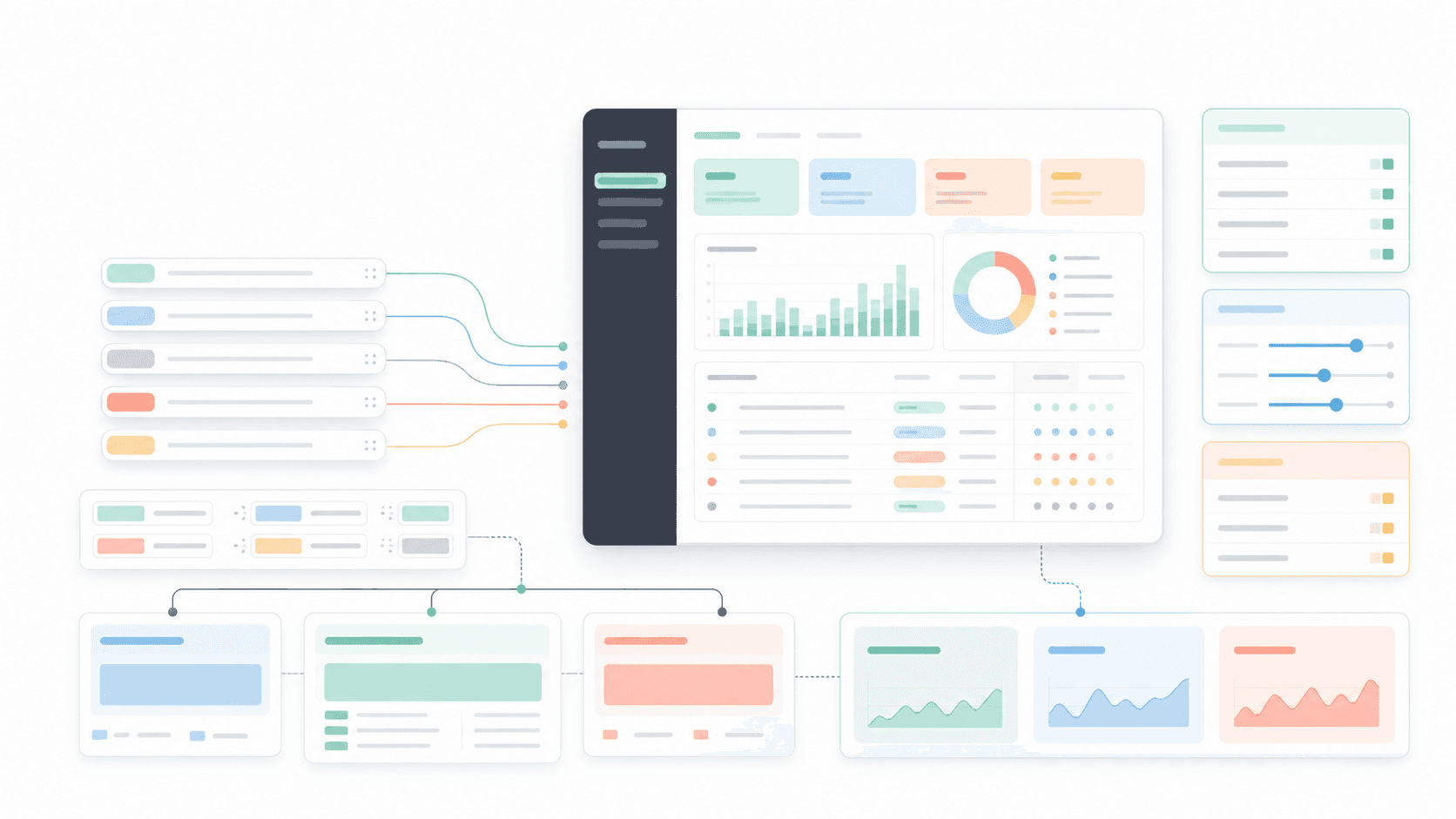
Abstract technical SEO QA dashboard showing URL parameter chips, routing lines, filter cards, canonical decisions, and analytics charts

Practical tool

Parameter QA

Published

Jun 3, 2026

Read time

9 min read

Topic

Technical SEO / Shopify / B2B / Redesign / Playbook

01

Why URL parameters need a separate SEO QA pass

URL parameters are small, but they can create large SEO problems during a Shopify build, B2B website redesign, or CMS migration. Filters, sorting, pagination, search, campaign tags, form states, and app-generated URLs can all create extra versions of the same page.

The risk is not that every parameter is bad. Some parameters help users compare products, filter resources, preserve campaign attribution, or route people through a lead form. The risk is that nobody decides which parameterized URLs should be indexed, canonicalized, redirected, tracked, or blocked before launch.

This checklist is for teams that need a practical pre-launch QA process. Use it when the site has product filters, resource filters, search pages, multilingual routes, paid campaigns, or a redesign that changes URL structure.

02

Step 1: Inventory every parameter source

Start by finding where parameters come from. Do not only inspect the main navigation. Open product collections, resource libraries, blog archives, search results, forms, account flows, app widgets, CRM links, email links, paid media links, and old campaign URLs.

For each parameter, write down the source, example URL, affected template, business purpose, whether users need to share it, and whether search engines should ever see it. This becomes the parameter register that developers, marketers, and SEO owners can review together.

  • Shopify sources: collection filters, variant links, sorting, pagination, search, recommendations, reviews, subscriptions, bundles, and app widgets.
  • B2B sources: resource filters, industry filters, location selectors, calculators, lead forms, gated content, search, and campaign landing pages.
  • Marketing sources: UTM tags, email IDs, paid media click IDs, affiliate IDs, and internal campaign tracking.
  • Migration sources: old query strings, legacy filters, redirected URLs, copied sales links, and indexed parameter URLs from the previous site.

03

Step 2: Classify parameters by SEO intent

Every parameter needs a decision. Some parameters create meaningful landing pages, such as a product collection filtered by a high-demand category. Some only change sort order or tracking attribution. Some create temporary UI states that should never be indexed.

Use a simple classification model: indexable, canonicalized, noindex, redirected, ignored for analytics only, or unsupported. The classification should be written before implementation QA so the team is testing against an agreed rule, not guessing from page to page.

  • Indexable: the URL has unique search demand, stable content, internal links, metadata, and a place in the site architecture.
  • Canonicalized: the URL is useful for users, but the main category, service, or resource URL should remain the ranking page.
  • Noindex: the page can exist for users, but it should stay out of search results because it is thin, duplicated, or temporary.
  • Redirected: the parameter is legacy, broken, or has one clear destination after the redesign.
  • Analytics only: the parameter should be preserved for measurement, not treated as a content URL.

04

Step 3: Test canonical, noindex, robots, and sitemap behavior

Parameters often fail because SEO controls are checked one at a time. Test them together. A parameterized URL can have a canonical tag, a noindex directive, robots rules, sitemap inclusion, internal links, hreflang alternates, and redirects that contradict each other.

For each parameter class, open the URL in a browser, inspect the rendered HTML, and confirm the final rule after redirects. Then crawl a sample set with the same rules. The goal is to prove that search engines see the same decision the team wrote in the parameter register.

  • Canonical tags should point to the intended ranking URL, not to a broken, redirected, localized, or differently filtered URL.
  • Noindex rules should apply only where intended and should not block important filtered landing pages by accident.
  • Sitemaps should include stable indexable URLs and exclude temporary filter, sorting, search, and tracking URLs.
  • Robots rules should not block crawling of a URL that needs a noindex directive to be discovered.
  • Hreflang alternates should not mix parameterized URLs across locales unless that is an intentional localized landing page.

05

Step 4: QA filters, sorting, pagination, and search URLs

Filter and sort behavior is where many Shopify and B2B sites create duplicate URL patterns. Test one filter, multiple filters, filter removal, sort order changes, pagination, browser reloads, shared URLs, and mobile states. The same sequence should produce stable URLs and predictable SEO signals.

Search URLs deserve a separate check. Internal search pages are useful for visitors, but they are rarely a good default indexation source. Decide whether search result URLs should be crawlable, noindexed, canonicalized, or blocked, and verify the decision across empty states, popular queries, and filtered search results.

  • Confirm whether filter order changes the URL or creates duplicate combinations for the same result set.
  • Check whether pagination keeps canonical, prev/next expectations, and collection context consistent.
  • Test sorting parameters such as price, newest, relevance, availability, and custom priority.
  • Open shared filter URLs in a new browser session to make sure they load the same user-facing state.
  • Verify that zero-result and low-result search URLs do not become thin indexable pages.

06

Step 5: Protect campaign tracking and analytics

SEO cleanup should not destroy attribution. UTM tags, ad click IDs, email IDs, and affiliate parameters may be important for reporting. The QA question is how to preserve measurement while preventing parameter noise from becoming duplicate content or polluted internal links.

Test analytics on both clean and tagged URLs. Confirm that campaign parameters survive redirects where needed, that internal links do not add unnecessary tracking parameters, and that canonical tags do not interfere with reporting. Then verify dashboards for landing page paths, query strings, conversions, and form submissions.

  • Preserve external campaign parameters through redirects when attribution depends on them.
  • Remove or avoid internal tracking parameters that create duplicate page paths in analytics reports.
  • Check whether canonical URLs, redirects, and consent settings change campaign reporting.
  • Record expected events for filter usage, search refinements, form starts, lead submissions, product clicks, and checkout paths.

07

Step 6: Review multilingual and migration edge cases

Multilingual websites add another layer. A parameter rule that works in English may fail on a Chinese, regional, or market-specific URL if the route structure, translated slug, hreflang logic, or localized app behavior is different. Test the same parameter classes in every launch locale.

Migration edge cases also matter. Old parameter URLs may still have backlinks, paid campaign history, saved sales links, or search visibility. Map high-value legacy parameter URLs before launch and decide whether they redirect, canonicalize, or remain live as localized landing pages.

  • Test language switchers from clean URLs and parameterized URLs.
  • Confirm localized canonicals and hreflang alternates do not point across the wrong market or language.
  • Check old filtered, search, campaign, and resource URLs from the previous site.
  • Preserve useful campaign parameters during redirects while removing legacy duplicates that no longer serve users.

08

Step 7: Hand off a parameter maintenance register

URL parameter QA is not finished at launch. New Shopify apps, resource filters, campaign tools, CRM links, analytics scripts, and CMS changes can add parameters later. The maintenance team needs a register they can use whenever a new tool or campaign changes URLs.

The handoff should include the parameter name, owner, source, example URL, allowed templates, SEO classification, canonical rule, indexation rule, analytics purpose, redirect rule, test status, and review date. That document keeps technical SEO from becoming a one-time launch task.

  • Review the register during the first week after launch, then monthly during maintenance.
  • Add a rule that new apps and campaign tools cannot introduce public URL parameters without review.
  • Use crawl data, analytics, Search Console exports, and support links to find new parameter patterns.
  • Turn repeated parameter issues into CMS rules, redirect rules, app configuration changes, or developer tickets.

URL parameter QA checklist

  • 01Inventory every parameter source before launch, including filters, sorting, pagination, search, tracking, forms, ads, and legacy links.
  • 02Decide which parameterized URLs can be indexed, which should canonicalize, and which should stay out of search results.
  • 03Test canonical tags, noindex rules, robots behavior, sitemap output, hreflang alternates, redirects, and trailing slash rules together.
  • 04Protect analytics by preserving campaign parameters while keeping duplicate URLs and internal tracking parameters under control.
  • 05Give the maintenance team a parameter register so future apps, filters, campaigns, and CMS changes do not create new SEO drift.

Keep reading

Now booking for Q2 2026

Start a project

Tell us your goal, timeline, and budget. We'll reply within 2 business days with the best next step.

I'm Max, founder of Build Build Studio. I work with a small network of trusted designers, developers, and specialists, keeping senior attention and direct communication close to every project.
Mo – Fr: 9AM–5PMGMT+8 local time

Project communication

Mandarin / ChineseNativeCantoneseNativeEnglishWorking proficiency

Formal proposals and pitch work are scoped as paid discovery.

Start a project