
Digital experiences built for performance + scale
Back to Blog

Playbook

Website regression incident runbook for post-launch support

Use this website regression incident runbook to triage live issues, protect SEO and revenue, decide when to roll back, and turn each fix into a prevention checklist.

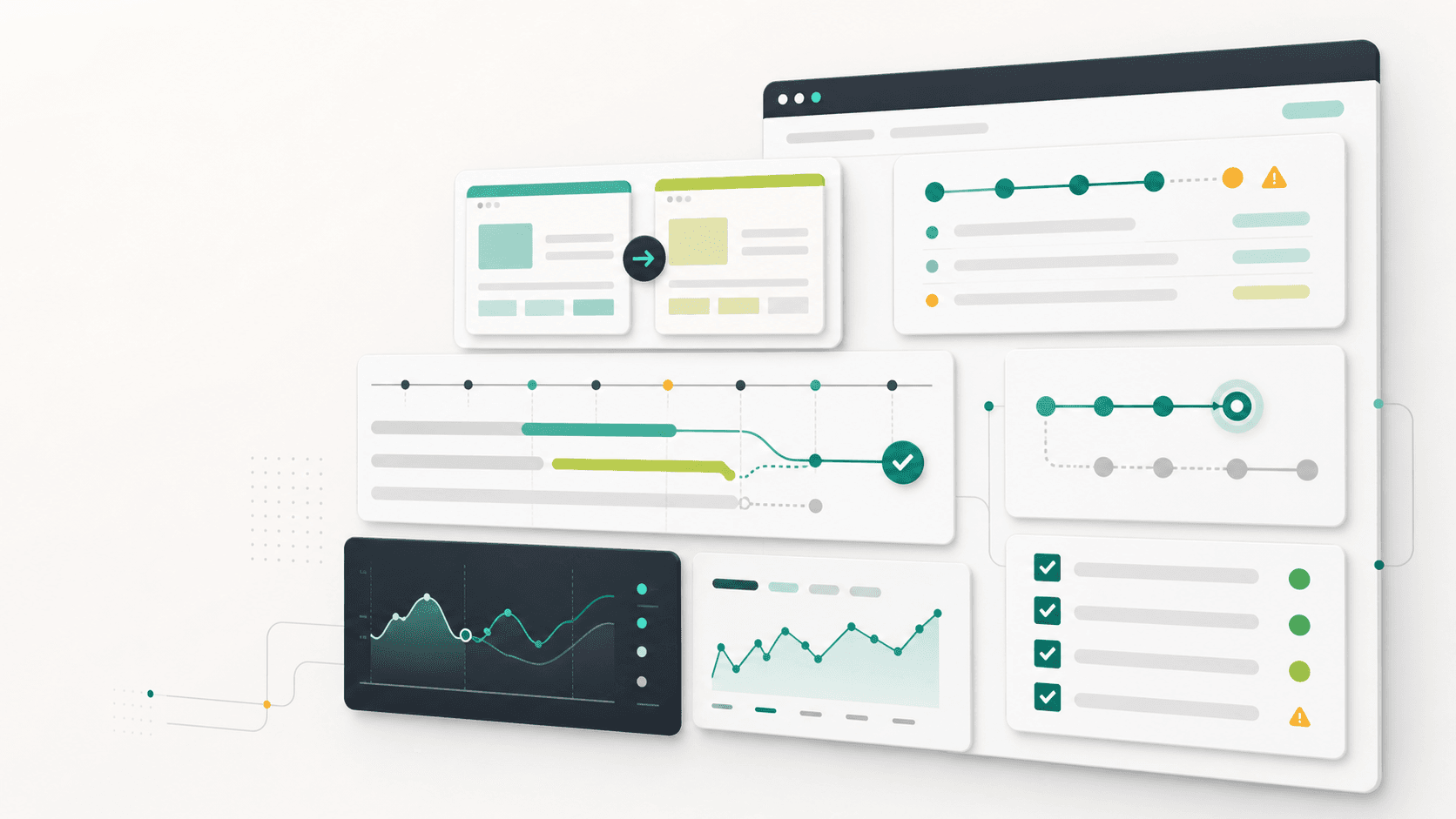
Abstract website regression incident dashboard with recovery timeline, QA checklist cards, rollback path, and SEO monitoring panels

Support tool

Incident runbook

Published

Jun 6, 2026

Read time

11 min read

Topic

Maintenance / Operations / Technical SEO / QA / Playbook

01

Use this when a live site suddenly behaves differently

A website regression is any unwanted change that appears after a release, content update, plugin update, theme edit, app change, cache purge, migration step, or third-party script update. The problem may be obvious, such as a broken checkout button, or quiet, such as a canonical tag disappearing from a template.

This runbook is for Shopify, WordPress, headless commerce, B2B websites, and multilingual sites that need practical post-launch support. It helps a team move from panic to diagnosis: classify the issue, collect evidence, decide whether to roll back, protect SEO and analytics, then prevent the regression from returning.

02

Step 1: Classify severity before touching code

Start with severity, not guesses. A small visual spacing issue and a blocked payment flow both deserve attention, but they do not deserve the same response. Classification keeps the team from overreacting to cosmetic bugs or underreacting to revenue, indexing, and lead-generation failures.

Assign one owner, one communication channel, and one decision deadline. Even a 20-minute deadline is useful because it forces the team to choose between monitor, hotfix, rollback, or deeper investigation.

  • Severity 1: checkout, cart, login, lead form, booking, payment, or critical navigation is blocked.
  • Severity 2: SEO, indexability, redirects, hreflang, structured data, analytics, or major content templates are affected.
  • Severity 3: important page content, campaign modules, filters, search, localization, or editor workflows are degraded.
  • Severity 4: visual polish, non-critical layout drift, small copy errors, or isolated browser issues are visible but contained.

03

Step 2: Capture evidence that survives the fix

Before changing anything, capture enough evidence for another developer or marketer to reproduce the issue later. This matters because many regressions disappear after a cache refresh, app retry, deployment rollback, or content republish. Without evidence, the team may fix the symptom and lose the cause.

Use a short evidence template in the incident thread. Keep it factual and boring: affected URL, expected result, actual result, first seen time, device, browser, market or language, logged-in state, steps to reproduce, screenshots, console errors, network errors, and the most recent release or content change.

  • Save at least one screenshot or screen recording for desktop and mobile when the issue is visual or interactive.
  • Record the exact URL, including query parameters, locale path, collection filter, product variant, or preview token.
  • Check whether the problem appears in production only, preview only, one market, one browser, one account type, or all users.
  • Copy relevant release notes: deploy SHA, theme version, plugin update, app change, CMS publish, redirect import, or cache purge.

04

Step 3: Check the revenue and SEO blast radius

A regression is rarely just one page. A broken product module might affect every product template. A bad redirect import might damage old campaign URLs. A missing noindex rule might expose staging pages. Your next task is to find the smallest true blast radius before choosing a fix.

For commerce and B2B sites, test the path that creates business value first. For SEO-sensitive changes, inspect source output and rendered output, not only what the browser shows visually. Many dangerous regressions are invisible on the page.

  • Revenue path: product selection, add to cart, cart drawer, checkout, payment method, lead form, booking, or quote request.
  • SEO path: title, meta description, canonical, robots, hreflang, status code, redirect, structured data, internal links, and sitemap inclusion.
  • Content path: hero modules, pricing tables, case studies, collection descriptions, localized copy, downloadable assets, and policy pages.
  • Tracking path: page view, form submit, checkout step, purchase, qualified lead, consent mode, UTM preservation, and server-side events.

05

Step 4: Decide whether to rollback, hotfix, or monitor

The best incident response is not always the fastest code change. A rollback is usually safer when the regression is severe, recent, and tied to a known release. A hotfix is better when the faulty change is small, isolated, and easy to verify. Monitoring is acceptable only when the issue is low severity and the team has a clear next check.

Make the decision explicit. Write one sentence in the incident thread: we are rolling back because checkout is blocked, or we are hotfixing because the issue is isolated to one section setting, or we are monitoring because the third-party API recovered and no user-facing path is currently failing.

  • Rollback when checkout, lead capture, login, redirects, indexability, or global templates break after a known release.
  • Hotfix when the change is one template, one configuration, one content field, one CSS rule, or one integration mapping.
  • Monitor when the issue is intermittent, third-party-owned, already recovered, and has alerting plus a follow-up owner.
  • Do not combine a rollback and unrelated cleanup in the same incident response. Keep the recovery change small.

06

Step 5: Run a focused verification matrix

After a rollback or hotfix, verify the exact failing path and a few adjacent paths. Do not rerun every launch checklist during an incident unless the blast radius is unknown. The goal is enough confidence to reopen the site safely, then schedule deeper cleanup if needed.

A focused matrix should cover the affected template, one related template, mobile, desktop, one logged-out state, one logged-in or customer state if relevant, the primary locale, and one secondary locale for multilingual sites. For Shopify and WordPress, also check the editor preview if the regression came from content or theme settings.

  • Verify the original reproduction steps now pass, then capture a fresh screenshot or recording.
  • Check one adjacent page type: product plus collection, service plus case study, landing page plus form thank-you state.
  • Clear or bypass cache where relevant: CDN, headless frontend, Shopify theme preview, WordPress object cache, browser cache, or app cache.
  • Confirm no new console errors, broken network requests, missing analytics events, or SEO metadata changes were introduced.

07

Step 6: Communicate in timestamps, not vibes

Stakeholders do not need every technical detail during an incident, but they do need confidence that the team is controlling the situation. Use short updates with timestamps, impact, action, next check, and owner. This is especially important when sales, support, marketing, or leadership discovered the issue first.

Avoid vague updates such as we are looking into it. A useful update says what is affected, what is not affected, what has changed, and when the next message will arrive. That turns support into an operating process instead of a stream of guesses.

  • Initial update: issue confirmed, affected path, severity, owner, and next update time.
  • Recovery update: rollback or hotfix applied, verification in progress, remaining checks, and known limitations.
  • Resolution update: user-facing path restored, evidence saved, prevention task created, and follow-up review time.
  • Client-facing note: keep it short, factual, and focused on impact, recovery, and prevention.

08

Step 7: Close with prevention, not just resolution

An incident is not finished when the site looks fixed. It is finished when the team knows why the regression escaped and what will catch it next time. This does not need a heavy postmortem for every small issue. It does need a prevention note.

Add one concrete prevention task to the backlog or maintenance plan. The task might be a regression test, a release checklist item, a monitoring alert, a content rule, a plugin update policy, a CMS field limit, or a rollback note in the runbook.

  • Root cause: release bug, missing QA state, content model gap, plugin update, app change, cache issue, data issue, or unclear ownership.
  • Detection gap: why did the team learn from a user, client, crawler, or analytics drop instead of an alert or checklist?
  • Prevention task: add the smallest durable guardrail that would have caught this specific issue.
  • Owner and due date: assign the prevention task before closing the incident thread.

09

Copy this incident template

Incident summary: severity, owner, first seen time, affected URLs, expected result, actual result, affected devices or markets, last related change, current decision, next update time, and rollback criteria.

Resolution summary: action taken, verification matrix, screenshots, SEO checks, analytics checks, remaining risk, prevention task, owner, and review date. Keep this template in the maintenance workspace so every future regression starts from the same operating model.

Regression response

  • 01Treat every live regression as a scoped incident with severity, owner, evidence, and a decision deadline.
  • 02Separate revenue-blocking, SEO-risk, content, tracking, and visual regressions so the response is proportionate.
  • 03Preserve screenshots, URLs, timestamps, device details, logs, and release notes before changing the site.
  • 04Use rollback rules when checkout, lead forms, indexability, redirects, or core templates are affected.
  • 05Close the incident with a prevention task, regression test, and maintenance note so the same issue does not repeat.

Keep reading

Now booking for Q2 2026

Start a project

Tell us your goal, timeline, and budget. We'll reply within 2 business days with the best next step.

I'm Max, founder of Build Build Studio. I work with a small network of trusted designers, developers, and specialists, keeping senior attention and direct communication close to every project.
Mo – Fr: 9AM–5PMGMT+8 local time

Project communication

Mandarin / ChineseNativeCantoneseNativeEnglishWorking proficiency

Formal proposals and pitch work are scoped as paid discovery.

Start a project