Digital experiences built for performance + scale
Back to Blog

SEO

Site search QA checklist for Shopify and B2B websites

Site search can quietly lose buyers and qualified leads. Use this QA checklist to test query coverage, filters, zero-result states, technical SEO, accessibility, and analytics before launch.

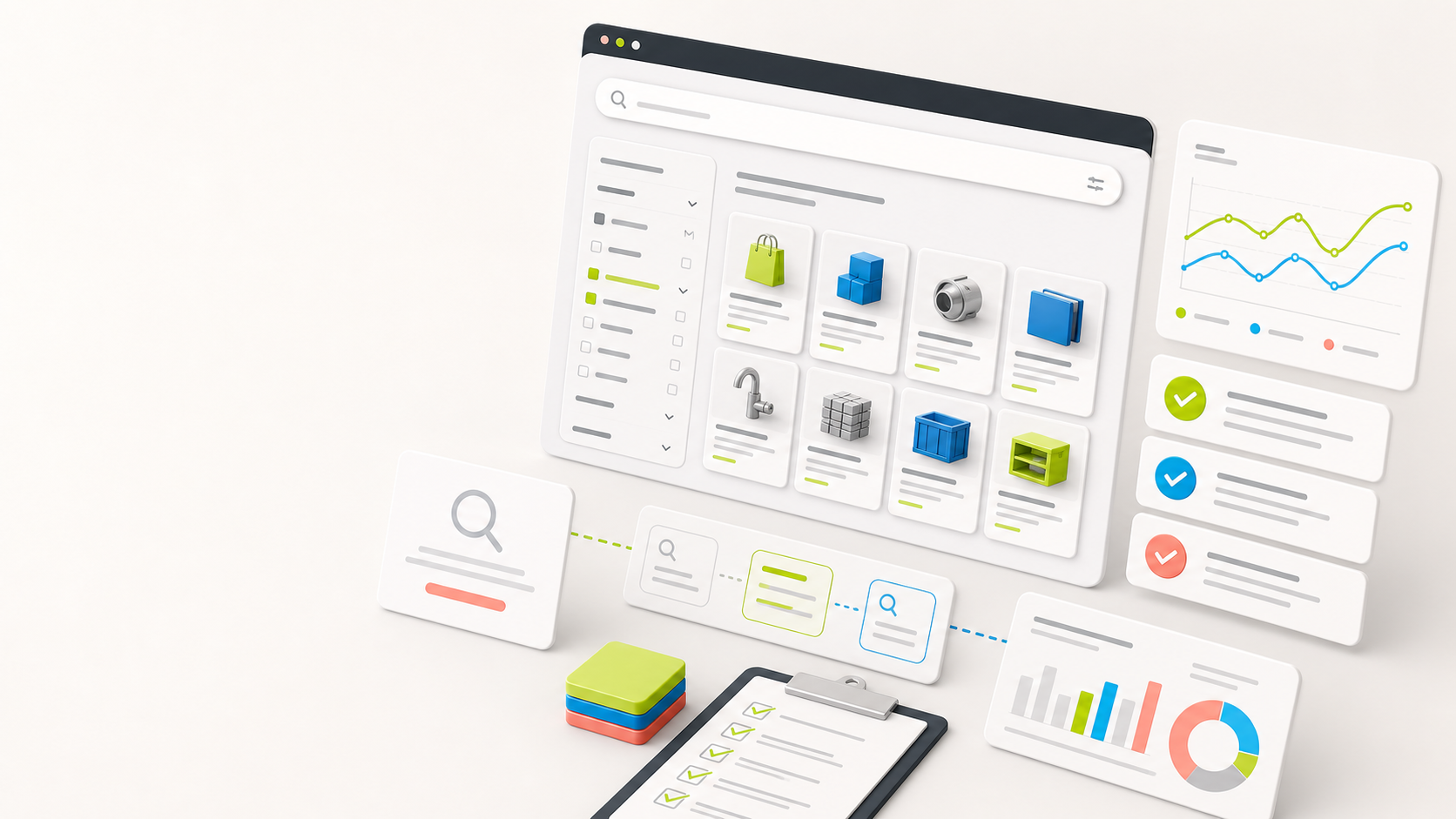
Abstract site search QA dashboard with search results grid, filters, checklist cards, and analytics charts for ecommerce and B2B websites

Practical tool

Search QA

Published

May 31, 2026

Read time

9 min read

Topic

Technical SEO / Shopify / B2B / Operations / Playbook

01

Why site search needs its own QA pass

Site search is often treated as a small feature, but it sits close to revenue and lead quality. On a Shopify store, buyers use search when navigation fails or when they already know what they want. On a B2B website, prospects use search to find specs, service pages, case studies, documentation, and proof that the company understands their problem.

A search box that technically works can still fail the business. It may miss common product names, hide important resources behind weak ranking, create thin crawlable URLs, expose confusing zero-result pages, or send useful query data nowhere. This checklist gives search a focused launch review before the redesign, migration, or new theme goes live.

02

Step 1: Define the search jobs

Start by writing what search must help visitors do. Do not test only with obvious product names or exact page titles. A good query set reflects how customers, buyers, sales teams, support teams, and content editors talk about the offer.

Split the jobs by intent. Some queries should return product or service pages. Some should return comparison content, help articles, resource pages, case studies, or contact paths. For Shopify, include product names, SKUs, collection terms, materials, use cases, and common misspellings. For B2B, include acronyms, industry terms, locations, model numbers, compliance terms, and problem-language queries.

  • Must-find queries: terms that should always return a specific page or product.
  • Discovery queries: broad terms that should return a useful mix of categories, resources, and offers.
  • Recovery queries: misspellings, old product names, and alternate vocabulary that should still guide users forward.
  • Commercial queries: terms that should connect to conversion paths, not only educational content.

03

Step 2: Build a realistic query matrix

A search QA matrix should be short enough to run, but broad enough to catch launch blockers. Use analytics, Search Console, Shopify reports, support tickets, sales notes, product catalogs, resource categories, and internal team vocabulary as sources. If the site is new, start with the sales team and customer support team because they know the words prospects actually use.

For each query, write the expected result type before testing. The expected result does not always need to be one exact URL. It can be a product family, a resource category, a service page, a case study group, or a useful no-result recovery path. What matters is that the team agrees on what good looks like.

  • Include exact matches, partial matches, plural and singular versions, abbreviations, and common spelling mistakes.
  • Add discontinued products, renamed services, old campaign terms, and legacy URLs after a redesign.
  • Test sensitive queries such as pricing, returns, support, warranty, integrations, certifications, and competitors if they matter to buyers.
  • Mark each query as must-pass, tune later, or intentionally unsupported.

04

Step 3: Test ranking, synonyms, and redirects

The first result matters. For must-find queries, verify that the best product, service, collection, resource, or support page appears near the top. If the search tool supports synonyms, boosts, pins, merchandising rules, or redirect rules, test them as launch-critical content rather than optional polish.

Synonyms should solve real vocabulary gaps. They are not a place to guess. If customers search for a material name, regional spelling, SKU fragment, old product name, product category, or common abbreviation, the result should reflect that behavior. Redirects should be used carefully for queries with one clear destination, such as a branded collection, calculator, support page, or lead form.

  • Check that exact product, service, and resource names rank above weaker partial matches.
  • Test synonym pairs in both directions if the search engine requires directional rules.
  • Confirm promoted results do not bury more relevant organic results for long-tail queries.
  • Document every manual boost or redirect with an owner and review date.

05

Step 4: QA filters, sort orders, and result URLs

Filters can make search useful, but they also create edge cases. Test category filters, product attributes, resource types, industries, locations, dates, availability, price ranges, and custom fields. Make sure filters work with real combinations, not only one perfect query.

Also inspect the URLs that search creates. Some search pages should stay out of the index. Some filtered views may deserve crawlable landing pages if they match real demand. The rule should be intentional. Search URLs, parameter handling, canonical tags, pagination, and noindex rules should not be accidental outputs of the search plugin or app.

  • Apply multiple filters, remove filters, clear all filters, and reload filtered URLs.
  • Test sort orders for relevance, newest, price, popularity, availability, and custom priority where supported.
  • Check empty filtered states so users can recover without restarting the search.
  • Confirm canonical, noindex, robots, and sitemap behavior for search and filtered result URLs.

06

Step 5: Review zero-result and low-result states

A zero-result page is not just an error state. It is a retention moment. The page should help visitors try another query, browse a relevant category, contact sales, read support content, or request help. For B2B websites, a zero-result page can also route users to a consultation or resource hub instead of leaving them at a blank wall.

Low-result states deserve the same attention. One weak result can be more misleading than no results. Test query suggestions, spell correction, popular searches, fallback categories, support links, and manual recommendations. Then decide which terms should create new content or new synonym rules after launch.

  • Test misspellings, old names, generic terms, technical terms, and unsupported products or services.
  • Avoid dead-end copy that only says no results found.
  • Offer useful recovery paths without showing unrelated products or irrelevant lead magnets.
  • Track zero-result queries so the team can maintain search after launch.

07

Step 6: Test mobile, accessibility, and performance

Search often behaves differently on mobile. The input may trigger a drawer, overlay, sticky header, typeahead panel, or app-injected widget. Test focus behavior, keyboard behavior, tap targets, scroll locking, loading states, and how results appear when the mobile browser keyboard is open.

Performance matters because search is usually interactive. Typeahead should not block the page, filters should not cause excessive layout shift, and result pages should stay fast enough for users who are already trying to move quickly. For accessibility, the input needs a label, results need clear focus order, and dynamic updates should be understandable to assistive technology.

  • Test search on mobile and desktop with short queries, long queries, pasted terms, and cleared terms.
  • Check keyboard-only use: focus the input, submit search, move through results, apply filters, and clear filters.
  • Verify loading, no-JavaScript, slow-network, and search-service error states where practical.
  • Measure the search result page template, not only the homepage or product pages.

08

Step 7: Verify analytics and maintenance loops

Search QA is incomplete unless the team can see what happens after launch. Track searches, result clicks, no-result queries, filter usage, search refinements, add-to-cart events, lead-form starts, resource downloads, and contact clicks where relevant. The goal is not to collect every event. The goal is to know which queries help or fail users.

Create a lightweight maintenance loop before launch. Decide who reviews popular queries, zero-result terms, new synonym needs, pinned results, and search-driven conversions. Search quality declines when products, services, resources, and customer vocabulary change but nobody owns the tuning.

  • Confirm search events include query, locale, result count, selected result, filters, and destination where privacy rules allow.
  • Exclude internal team testing from launch reporting when possible.
  • Review search reports during the first week after launch, then monthly during routine maintenance.
  • Turn repeated zero-result terms into synonym rules, content updates, product data fixes, or new landing pages.

09

What to hand off after search QA

The best handoff is a compact search QA sheet. Include the query, intent, expected result, actual result, device, locale, filters used, pass or fail status, owner, fix, and retest date. Add a second tab for synonyms, redirects, boosts, blocked queries, noindex rules, and analytics event names.

This keeps search from becoming a one-time launch task. For Shopify teams, the handoff helps merchandising and operations tune product discovery without guessing. For B2B teams, it helps marketing and sales see which service, resource, and proof content buyers are trying to find.

  • Query matrix with expected result and QA status.
  • Synonym, boost, redirect, and blocked-query rules with owners.
  • Technical SEO decisions for search URLs and filtered result pages.
  • Analytics event names and a review cadence for maintenance support.

Search QA checklist

  • 01Build the query set from real products, services, SKUs, resource topics, acronyms, misspellings, and support language.
  • 02Test ranking, synonyms, redirects, filters, sort orders, empty states, and no-result recovery paths before launch.
  • 03Protect technical SEO by controlling crawlable search URLs, parameter handling, canonical tags, and indexation rules.
  • 04Check mobile behavior, keyboard access, loading states, and result-page performance with realistic query volumes.
  • 05Verify analytics events so the team can maintain synonyms, popular searches, zero-result terms, and conversion paths after launch.

Keep reading

Now booking for Q2 2026

Start a project

Tell us your goal, timeline, and budget. We'll reply within 2 business days with the best next step.

I'm Max, founder of Build Build Studio. I work with a small network of trusted designers, developers, and specialists, keeping senior attention and direct communication close to every project.
Mo – Fr: 9AM–5PMGMT+8 local time

Project communication

Mandarin / ChineseNativeCantoneseNativeEnglishWorking proficiency

Formal proposals and pitch work are scoped as paid discovery.

Start a project