

Digital experiences built for performance + scale
Back to Blog

Playbook

Shopify product taxonomy migration checklist before a redesign

Use this Shopify product taxonomy migration checklist to protect collections, filters, metafields, redirects, feeds, analytics, and SEO before a redesign or replatform.
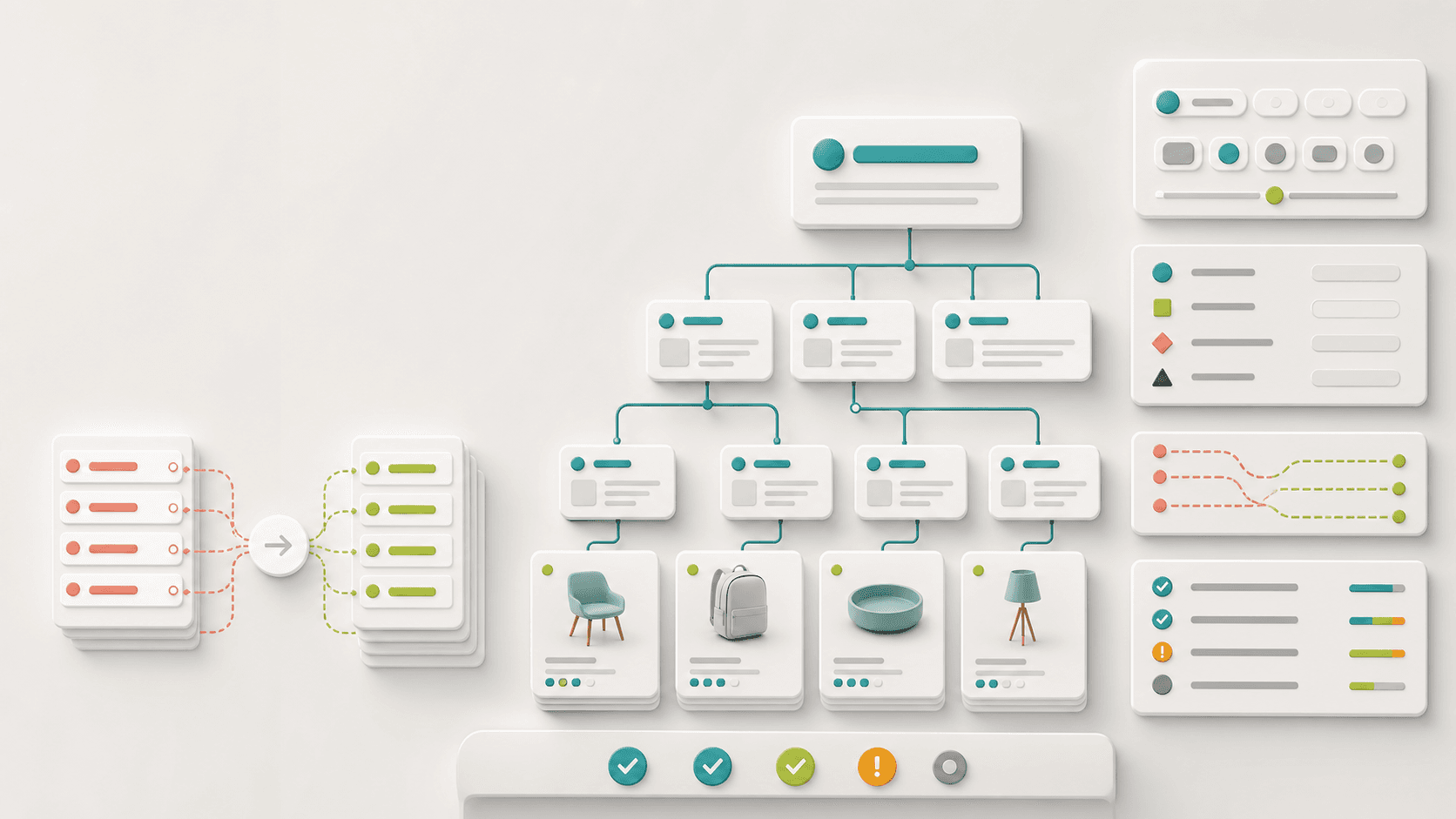
Abstract Shopify product taxonomy migration map with product cards, collection branches, filter panels, redirect paths, and SEO QA status indicators

Practical tool

Taxonomy migration

Published

Jun 7, 2026

Read time

11 min read

Topic

Shopify / Technical SEO / Migration / Operations / Playbook

01

Use this before changing how products are organized

A Shopify taxonomy migration sounds like a back-office cleanup until it breaks collections, filters, product feeds, search, redirects, and campaign URLs. Product type, tags, collections, metafields, variants, and vendor fields may all be doing invisible work for the storefront.

This checklist is for Shopify redesigns, WordPress-to-Shopify migrations, theme rebuilds, and cleanup projects where the team wants better merchandising without damaging SEO or operations. Run it before renaming product types, rebuilding collection logic, replacing tag systems, changing filter rules, or moving product data into metafields.

02

Step 1: Inventory every field that currently drives behavior

Start by listing the fields that shape the storefront and the business workflow. Do not assume a tag is only a tag. It may control collection membership, product badges, discount exclusions, reviews, search synonyms, feed rules, ERP mapping, or an internal report.

Export a product sample that includes product type, vendor, tags, collections, options, variants, metafields, status, publication channels, SEO fields, and handles. Then mark which fields are customer-facing, operational, SEO-sensitive, or legacy.

  • Customer-facing fields: collection membership, filters, badges, size, color, material, use case, availability, and product cards.
  • Operational fields: vendor, product type, tags, SKU patterns, fulfillment rules, subscription flags, bundles, and merchandising notes.
  • SEO-sensitive fields: handles, collection URLs, product URLs, titles, descriptions, canonical rules, schema data, and image alt text.
  • Integration fields: Google Merchant Center, Meta catalog, Klaviyo segments, reviews, search apps, warehouse tools, and analytics reports.

03

Step 2: Separate navigation taxonomy from operational taxonomy

Many Shopify stores become hard to manage because one taxonomy field is asked to do too much. A product tag might power filters, internal workflows, sale badges, and email segmentation. That looks efficient until one team changes it and three systems behave differently.

Before migrating, decide which fields belong to shoppers and which fields belong to operations. Navigation taxonomy should be stable, readable, and useful on the storefront. Operational taxonomy can be more granular, but it should not leak into URLs or filters unless customers need it.

  • Use collections for durable shopping paths such as category, audience, product family, or campaign grouping.
  • Use metafields for structured attributes such as material, dimensions, compatibility, care instructions, ingredients, or B2B pack size.
  • Use tags only when the team has clear naming rules, ownership, and a reason they cannot use a more structured field.
  • Keep internal-only values out of customer-facing filter labels, URL paths, schema, and product feed titles.

04

Step 3: Build a before-and-after taxonomy map

Create a migration map with one row per current field or collection rule. The row should show the old value, new value, destination field, storefront impact, SEO impact, owner, and test case. This is the source of truth for developers, merchandisers, SEO, and analytics.

The map should also record values that will be merged or removed. If three old tags become one new metafield value, write that explicitly. If an old collection disappears, choose whether it redirects, returns 410, or remains as a hidden compatibility page.

  • Old value and source: tag, product type, smart collection condition, custom field, app field, or imported platform field.
  • New destination: collection rule, metafield definition, product option, variant metafield, search synonym, feed attribute, or internal note.
  • Risk: affects URL, filter, product card, feed, schema, analytics segment, campaign page, or customer support workflow.
  • Validation: example product, expected collection, expected filter, expected URL, expected feed output, and owner sign-off.

05

Step 4: Plan collection and filter URLs before launch

Taxonomy changes often create SEO problems through collection URLs and filter parameters. If old collection pages vanish, backlinks and organic landing pages may lose their destination. If filters create crawlable parameter combinations, the store can produce duplicate or low-value URL patterns.

Before launch, export existing collection URLs, high-traffic filtered URLs, campaign URLs, indexed pages, and Search Console landing pages. Decide which URLs stay, redirect, canonicalize, noindex, or intentionally return 404 or 410. Do this before the new navigation is built so the redesign does not create avoidable redirect work.

  • Keep URLs when the page still serves the same search intent and customer path.
  • Redirect merged collections to the closest new collection or buying guide, not automatically to the homepage.
  • Canonicalize or noindex low-value filtered states that should support browsing but not search indexing.
  • Preserve campaign URLs, UTM handling, and paid landing page paths that still receive traffic.

06

Step 5: Test with messy products, not perfect examples

A clean sample product will not reveal taxonomy migration bugs. Use products with multiple variants, missing images, old tags, unusual sizes, discontinued status, bundles, subscription rules, localized copy, custom metafields, and products that appear in several collections.

For each sample product, check the admin fields, product page, collection cards, filters, search result, recommendations, structured data, product feed, and analytics events. The goal is to catch places where the visible page looks fine but an integration or SEO signal is wrong.

  • Test products that should appear in several collections and products that should appear in only one.
  • Test products with missing optional attributes so filters and product cards do not show empty or misleading values.
  • Test renamed handles, merged collections, hidden products, sold-out products, and products with discontinued variants.
  • Test localized or market-specific values if the store uses Shopify Markets or translated storefront content.

07

Step 6: Verify feeds, search, analytics, and automation

The storefront is only one consumer of product taxonomy. Feeds and automations often depend on fields that shoppers never see. A taxonomy cleanup can change Google Shopping categories, Meta catalog attributes, email segments, review widgets, subscription rules, warehouse mapping, or B2B price list logic.

Before launch, run a small integration QA pass. Compare old and new feed output, search behavior, analytics dimensions, and automated collections. If a field is intentionally retired, make sure the downstream system has a replacement or a documented exception.

  • Check Google Merchant Center, Meta catalog, Klaviyo, search apps, review apps, subscription apps, and ERP or fulfillment exports.
  • Confirm product impressions, collection clicks, add-to-cart events, purchases, and search terms still carry useful taxonomy dimensions.
  • Verify automated collections after the migration, especially rules based on tags, product type, price, vendor, availability, or metafields.
  • Document any app field mappings that must be updated before the new taxonomy goes live.

08

Step 7: Create a launch and rollback plan

A taxonomy migration should not be a silent bulk edit. Treat it like a launch. Choose the update window, freeze product changes, export a backup, record the old taxonomy, prepare redirects, and define who can approve the final switch.

Also define rollback criteria. If high-value collections 404, product feeds fail, checkout-adjacent products disappear, or filters become unusable, the team needs a known recovery path. That might be restoring a product export, reverting collection rules, disabling a filter group, or rolling back a theme release.

  • Before launch: backup products, collections, metafields, redirects, theme settings, and app mappings.
  • During launch: publish taxonomy changes, update collection rules, run redirects, rebuild feeds, and clear or refresh cache.
  • After launch: check priority URLs, filters, search, feeds, analytics, 404s, and product merchandising reports.
  • Rollback: define which changes can be reversed quickly and which require manual remediation.

09

Post-launch checks for the first two weeks

The migration is not finished on launch day. Watch collection landing page traffic, 404s, internal search terms, zero-result filters, feed disapprovals, revenue by collection, and Search Console coverage. Taxonomy issues often appear only after shoppers search, filters are used, feeds refresh, or crawlers revisit old URLs.

Keep a short issue log with the affected field, URL, product sample, source system, fix owner, and prevention note. That turns taxonomy cleanup into a maintainable operating system instead of another one-time data project.

10

Copy this taxonomy migration template

Field map: old field, old value, new field, new value, source owner, storefront impact, SEO impact, integration impact, example product, and approval owner.

URL map: old collection URL, old filtered URL, new destination, redirect rule, canonical rule, noindex rule, campaign dependency, traffic note, and launch test status.

QA row: product sample, expected collections, expected filters, expected feed attributes, expected schema, expected analytics dimensions, actual result, owner, and fix status.

Taxonomy migration checklist

  • 01Audit product types, collections, tags, metafields, filters, URLs, feeds, and reports before changing the taxonomy.
  • 02Decide which taxonomy fields control navigation, merchandising, SEO, product feeds, and internal operations.
  • 03Map old collection and filter URLs to new destinations before launch, including parameterized and campaign URLs.
  • 04Test the migration with real edge-case products, not only clean sample products.
  • 05Create post-launch monitoring for 404s, collection traffic, feed errors, search terms, and merchandising reports.

Keep reading

Now booking for Q2 2026

Start a project

Tell us your goal, timeline, and budget. We'll reply within 2 business days with the best next step.

I'm Max, founder of Build Build Studio. I work with a small network of trusted designers, developers, and specialists, keeping senior attention and direct communication close to every project.
Mo – Fr: 9AM–5PMGMT+8 local time

Project communication

Mandarin / ChineseNativeCantoneseNativeEnglishWorking proficiency

Formal proposals and pitch work are scoped as paid discovery.

Start a project