Build Build Studio

web / commerce / systems
built across markets

Back to Blog

Shopify

Shopify variant option migration checklist before a theme rebuild

Variants look like product data, but they affect PDP UX, collection filters, search, feeds, translations, and support. Clean them before a theme rebuild, not during launch week.

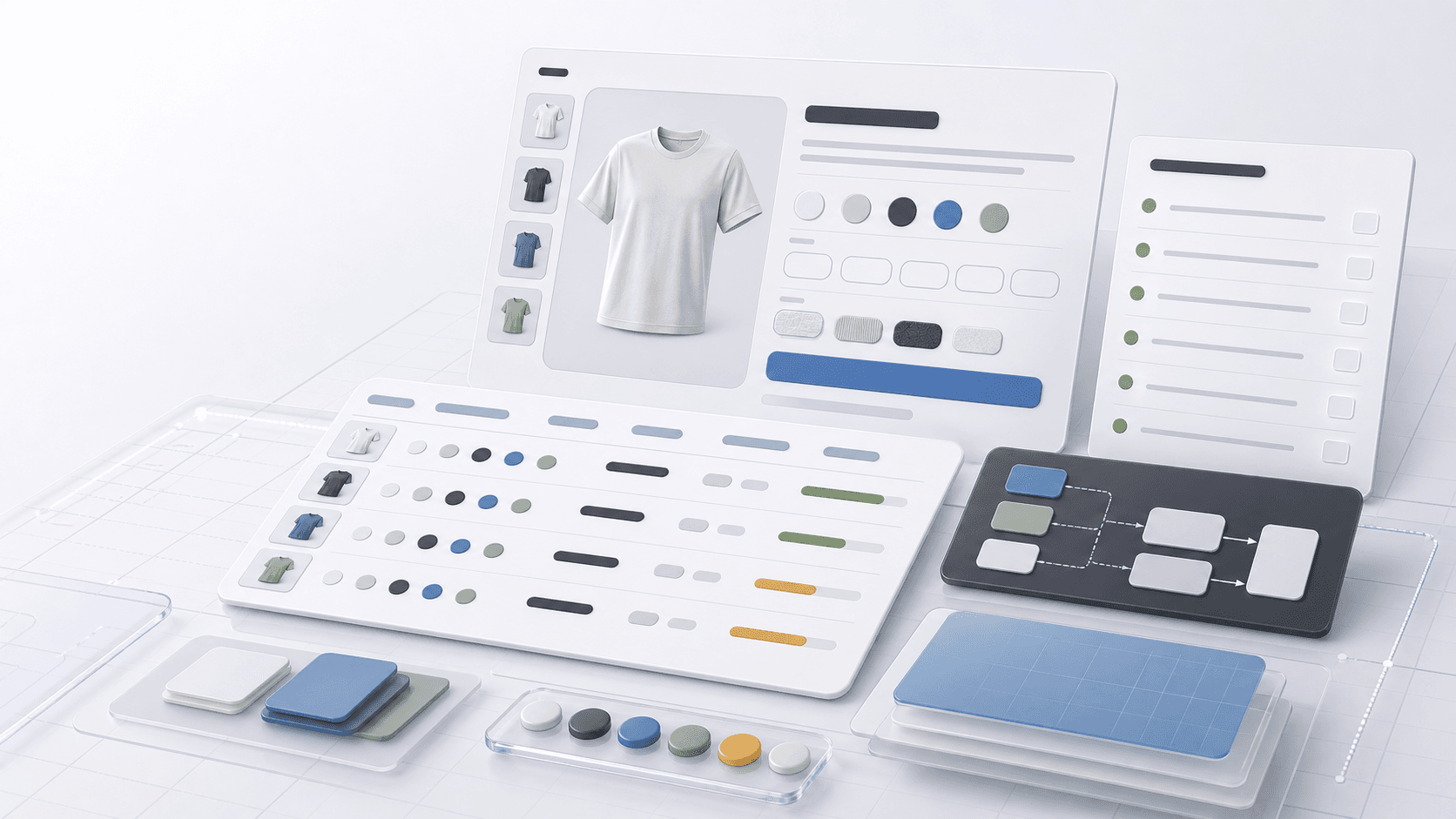
Abstract ecommerce interface showing blank variant option chips, SKU rows, and migration QA panels for a Shopify rebuild.

Migration tool

Variant options

Published

Jun 27, 2026

Read time

10 min read

Topic

Shopify / Migration / Product Data / Technical SEO / Playbook

01

Why variant options need their own migration pass

Shopify variants often look like a catalog detail, but they shape how customers choose products, how collection filters work, how feeds are approved, and how support teams identify the right SKU. If option data is messy before a theme rebuild, the new theme will only make the mess easier to see.

This checklist is for ecommerce teams planning a Shopify redesign, theme rebuild, headless migration, or catalog cleanup. Use it before development starts so product data, templates, filters, translations, and QA can move together instead of becoming launch-week fixes.

02

Step 1: Inventory every option pattern in the catalog

Start with a product export, not the theme editor. List every option name, option value, SKU pattern, variant image rule, price difference, inventory rule, and app dependency. The goal is to find inconsistent data before it becomes a template problem.

Pay close attention to duplicate meanings. Size, Sizes, Package Size, and Volume may be different labels for the same customer decision. Color, Colour, Finish, and Material may be separate choices or one combined merchandising field. Decide this before building new sections.

  • Export active products, archived products that may return, and top sellers from the last 12 months.
  • Group option names by meaning, not only by exact spelling.
  • Flag one-off option values that exist for a single legacy product.
  • Record where variant images, subscriptions, bundles, reviews, feeds, or inventory apps depend on variant data.
  • Mark products where variants are being used to store specifications instead of sellable choices.

03

Step 2: Decide what belongs in variants, metafields, or product groups

Not every product difference should be a variant. A variant should usually represent a sellable choice that affects purchase, inventory, fulfillment, price, or merchandising. Specifications that describe the product but do not change the purchasable item are often better as metafields.

This decision protects both user experience and maintenance. A clean variant model keeps PDP controls understandable, while metafields keep comparison tables, badges, size guides, ingredients, materials, compatibility notes, and technical specs easier to manage.

  • Keep size, color, pack quantity, subscription interval, and configuration as variants when they change the item being purchased.
  • Move dimensions, materials, compatibility, certifications, care notes, and technical specs to metafields when they do not create a separate sellable item.
  • Use product groups or sibling products when the option list becomes too large for a usable PDP.
  • Document which fields are edited by merchandising, operations, support, and developers.
  • Check whether the new model still supports product recommendations, bundles, reviews, and subscriptions.

04

Step 3: Normalize SKUs, inventory, pricing, and media

A variant migration is not finished when option labels look clean. Each variant needs a reliable SKU, barcode when relevant, inventory policy, fulfillment behavior, price, compare-at price, tax rule, weight, and image relationship. These fields often break quietly.

Build a sample QA set before changing the whole catalog. Include best sellers, products with many options, low-stock products, subscription products, bundle products, localized products, and products with variant-specific imagery.

  • Check that every active variant has the correct SKU and inventory tracking rule.
  • Confirm price, compare-at price, cost, tax, weight, and fulfillment fields after import.
  • Map variant-specific images and confirm the selected option changes the expected media.
  • Verify unavailable, sold-out, backorder, and discontinued states.
  • Keep a before-and-after export so support can trace old values to new values.

05

Step 4: Protect filters, feeds, search, and SEO behavior

Variant options often power collection filters, onsite search facets, product feeds, merchandising rules, and paid campaign attributes. A label cleanup can improve the customer experience, but it can also break feed approvals or remove useful filters if nobody checks downstream systems.

SEO risk usually comes from product handle changes, duplicate parameter URLs, hidden product content, or broken internal links. Variant IDs can change during import, so do not rely on old variant-specific URLs unless you have tested how they resolve.

  • Confirm collection filters still expose useful option values after cleanup.
  • Check onsite search, product recommendations, and merchandising rules that use option names.
  • Validate Google Merchant Center or product feed attributes for color, size, age group, gender, material, and item group ID when relevant.
  • Keep product handles stable unless there is a deliberate redirect plan.
  • Test canonical tags, parameter handling, structured data, and internal links on products with multiple variants.
  • Make sure analytics events still capture selected variant, SKU, price, and availability.

06

Step 5: QA multilingual and market-specific variants

Variant cleanup becomes more sensitive when the store supports multiple languages, currencies, or regions. Option names and values need translation rules, but SKU, inventory, and fulfillment data must stay operationally consistent.

Run QA by market, not only by product. A variant may be visible in one country, hidden in another, priced differently by market, or blocked by shipping rules. The theme should explain those states clearly instead of showing a broken option selector.

  • Check translated option names and option values in every live locale.
  • Confirm option order stays consistent across languages.
  • Test market availability, price, currency, tax, shipping, and sold-out behavior.
  • Verify hreflang pages point to equivalent products, not mismatched variants.
  • Review localized product feeds if translated option values are sent to channels.

07

Step 6: Run a migration sample before theme development locks

Do not wait for the full catalog import to learn whether the new model works. Build a sample of 30 to 50 products that represents the real catalog, then test the PDP, collection filters, search, cart, checkout, feeds, analytics, and admin editing workflow.

The sample should include edge cases, not only clean products. When the team can migrate the sample, explain the rules, and repeat the QA without developer interpretation, the theme rebuild has a stronger foundation.

  • Include high-revenue products, long-tail products, and products with many variants.
  • Include products with variant images, subscriptions, bundles, discounts, and low inventory.
  • Test desktop and mobile PDP selection, add-to-cart behavior, and cart line-item display.
  • Ask a non-developer to edit a product using the new rules.
  • Record unresolved cases before the full catalog migration begins.

08

What to hand to the development team

A useful handoff is more than a product export. Give developers the option naming rules, metafield decisions, sample product list, feed requirements, filter requirements, market rules, app dependencies, and QA scenarios. That makes the rebuild estimate more honest.

The best outcome is not just cleaner data. It is a theme that gives customers clear choices, gives marketers reliable filters and feeds, and gives the operations team a catalog they can maintain after launch.

  • Option naming matrix with approved names and values.
  • Metafield map for specifications that should not be variants.
  • Sample product list with edge cases and expected behavior.
  • Filter, feed, schema, analytics, and market requirements.
  • Launch QA checklist and owner for each post-migration check.

Variant migration checks

  • 01Audit option names, option values, SKU rules, images, app dependencies, and feed dependencies before theme development starts.
  • 02Use variants for sellable choices and metafields for specifications that do not create a separate purchasable item.
  • 03Normalize SKU, inventory, price, media, sold-out, and fulfillment behavior before importing the full catalog.
  • 04Protect filters, search, product feeds, analytics, structured data, and canonical behavior during cleanup.
  • 05Test a 30 to 50 product sample across markets, languages, PDP states, cart, checkout, and admin editing before launch.

Keep reading

Build a site your team can keep running

Strategy, design, development, SEO foundations, and launch support for brands growing across markets.

Start a projectContact@buildbuild.studio