Build Build Studio

web / commerce / systems
built across markets

Back to Blog

Shopify

Shopify Markets pricing and shipping QA checklist before launch

A Shopify Markets launch can fail even when translated pages look right. Use this checklist to test pricing, duties, taxes, shipping, checkout, feeds, analytics, and support by market.

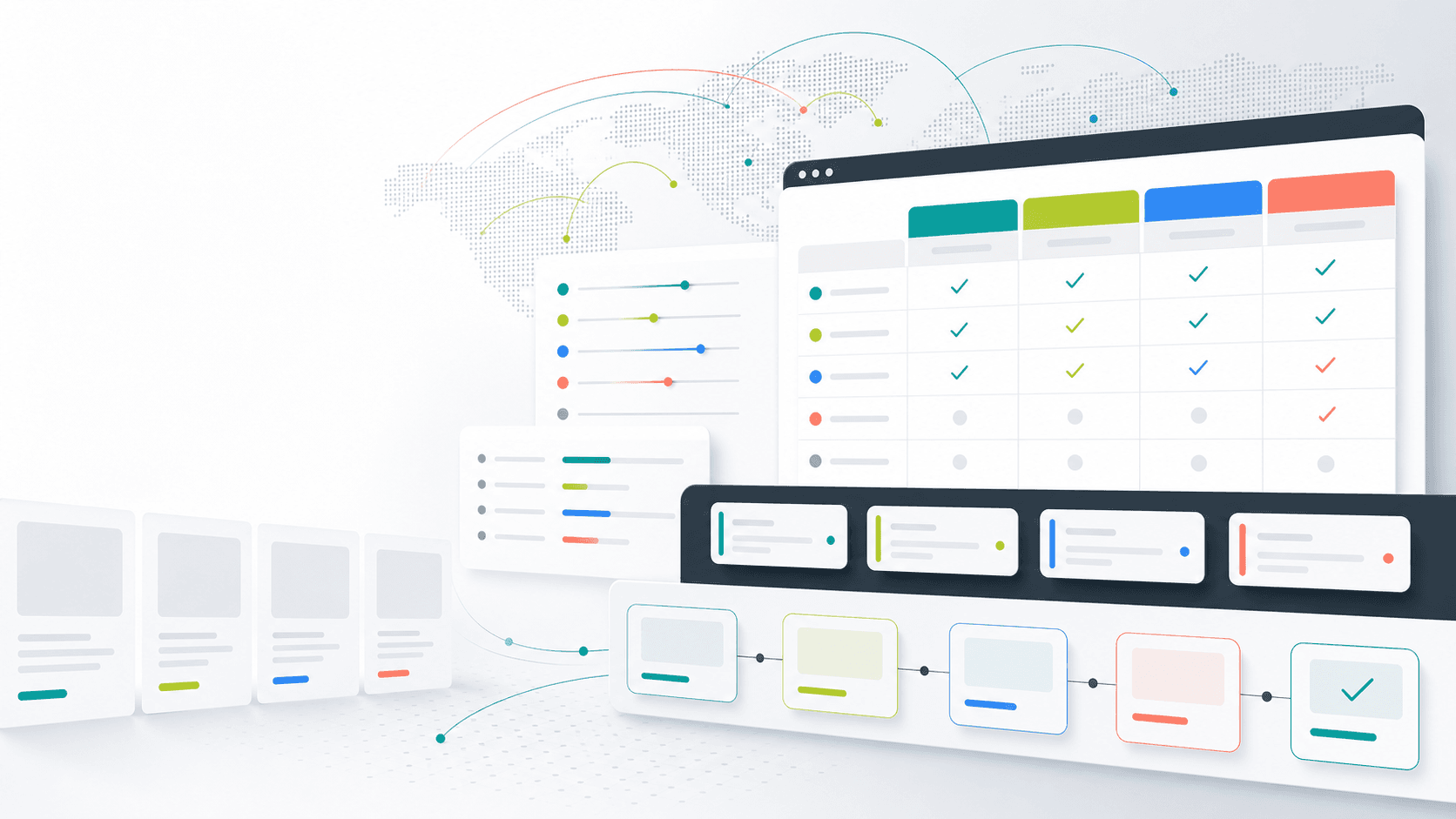
Abstract Shopify Markets QA board with market pricing, shipping rules, route lines, and validation checks

Practical tool

Markets QA

Published

Jun 13, 2026

Read time

11 min read

Topic

Shopify / Multilingual / Operations / QA / Playbook

01

Use this before opening a new market

A Shopify Markets launch can look complete when the language switcher works and the storefront shows the right currency. That is only the visible layer. The higher-risk work sits in market pricing, rounding, taxes, duties, shipping eligibility, checkout payment behavior, product availability, feeds, analytics, and support handoff.

This checklist is for Shopify teams preparing a new country, region, language route, currency, or cross-border campaign. Use it before launch, before a paid media push, after a theme change that touches cart or checkout context, and whenever operations changes price lists, shipping rules, or fulfillment coverage.

02

Step 1: Define market rules before testing

Do not begin QA by browsing a translated page. Start with a market rule matrix that states what each market should do. The matrix should cover currency, price source, rounding, compare-at price rules, tax display, duties, shipping methods, free-shipping thresholds, payment methods, product exclusions, return policy links, and support owner.

This one document prevents vague launch debates. If Germany should show VAT-inclusive prices, Canada should restrict a fragile product, and Singapore should use a different free-shipping threshold, the tester needs those rules before they place orders.

  • List every launch market, locale, currency, domain or subfolder, and expected storefront language.
  • Document whether prices use automatic currency conversion, fixed market prices, price lists, or app-driven rules.
  • Define duties and tax display rules, including whether estimates appear in cart, checkout, or both.
  • Name the business owner who can approve exceptions when price, tax, shipping, and merchandising rules conflict.

03

Step 2: Test localized prices and rounding

Pricing QA needs real products, not only a homepage spot check. Test best sellers, sale products, bundles, subscription products, gift cards, products with variants, and products excluded from one market. Then compare collection cards, product pages, cart, checkout, order confirmation, transactional email, and admin order records.

Rounding rules are especially easy to miss. A product can look correct on the product page but show an unexpected cart subtotal after discount codes, shipping thresholds, taxes, or payment method conversion fees apply.

  • Check regular price, compare-at price, sale price, bundle price, subscription price, and gift card behavior.
  • Test market-specific fixed prices, automatic conversion, rounding increments, and zero-decimal currencies when relevant.
  • Apply discount codes, automatic discounts, free-shipping thresholds, and cart-level promotions in each market.
  • Confirm the order record, customer receipt, analytics revenue, and finance export use the expected currency and totals.

04

Step 3: Verify duties, tax, and shipping eligibility

A market can be technically live but commercially unusable if shipping and landed cost rules are wrong. Test complete addresses for major regions inside each market, remote or restricted regions, postal code formats, business addresses, residential addresses, and any product types that require special handling.

The goal is not only to see a shipping rate. The customer should understand what they will pay, whether duties are included or estimated, when tax appears, which products cannot ship, and how fast the order should arrive.

  • Test valid, invalid, remote, and restricted addresses for each market before launch.
  • Check shipping methods, carrier names, delivery estimates, free-shipping thresholds, and unavailable-service messages.
  • Verify tax-inclusive versus tax-exclusive display across product page, cart, checkout, order confirmation, and email.
  • Confirm duty messaging is consistent and does not contradict policy pages, banners, checkout copy, or support macros.

05

Step 4: Run checkout and payment scenarios by market

Do not assume checkout behavior is global. Payment methods, address validation, wallet buttons, accelerated checkout, fraud rules, local payment options, and post-purchase messaging can change by market. A payment method that is perfect for one market may be irrelevant or unavailable in another.

Run a small test order set for each launch market. Include desktop, mobile, logged-in, guest checkout, discount codes, rejected cards, abandoned checkout recovery, order cancellation, refund, and return initiation if those flows are part of launch readiness.

  • Confirm payment methods appear only where they are supported and approved by operations.
  • Test wallet buttons, accelerated checkout, address autocomplete, phone requirements, and local postal code validation.
  • Check order confirmation, transactional emails, customer account pages, and support notifications by market.
  • Make sure test orders can be tagged, excluded from reporting, refunded, and removed from fulfillment queues cleanly.

06

Step 5: Check products, inventory, and feeds

Markets QA is not complete until merchandising and feed data are checked. A product may be visible in the storefront but missing from a paid feed, available in a collection but blocked at checkout, or translated correctly but assigned to the wrong market because of inventory location or catalog rules.

Create a product test set that includes simple products, products with many variants, low-stock items, out-of-stock items, market-excluded products, sale items, and high-margin items. Follow that set from storefront to checkout to product feed to analytics.

  • Verify product visibility, collection membership, variant availability, inventory location, and market exclusions.
  • Check product titles, handles, URLs, images, option names, and variant labels in every launch locale.
  • Review paid and organic product feeds for currency, country, language, availability, shipping, tax, and product identifiers.
  • Confirm feed disapprovals, excluded products, and missing attributes have an owner before campaign traffic starts.

07

Step 6: QA URLs, language, and SEO signals

Pricing and shipping are operational, but a Shopify Markets launch still has SEO risk. Search engines and users need clear market URLs, canonical rules, hreflang pairs, localized metadata, translated navigation, and consistent internal links. These signals should match the market structure, not just the default store.

Crawl a sample of product, collection, page, blog, cart, and policy URLs for each market. Check that localized pages link to their equivalents, canonical URLs do not collapse the wrong market, and language switchers keep users on the matching page when possible.

  • Check domain, subfolder, canonical URL, hreflang, sitemap inclusion, robots rules, and redirect behavior by market.
  • Verify localized metadata, collection copy, product content, policy links, navigation labels, and footer links.
  • Test internal links from banners, menus, search results, collection filters, product recommendations, and email links.
  • Confirm untranslated fallback content is intentional and tracked for post-launch cleanup.

08

Step 7: Validate analytics, support, and rollback

The launch is not ready until the team can observe and support it. Analytics should separate markets clearly, support should know which policy applies, and operations should know how to pause a market, hide a product, adjust a shipping rule, or roll back a pricing error without waiting for a developer.

Use known test sessions and orders to verify reporting. Then hand support a short market-specific reference: shipping limits, duties language, return rules, payment methods, known exclusions, escalation owner, and screenshots of expected checkout behavior.

  • Check GA4, ad platforms, Shopify reports, feed diagnostics, conversion events, and revenue currency by market.
  • Create launch-week monitoring views for checkout errors, payment failures, shipping rate failures, feed warnings, and product exclusions.
  • Prepare support macros for duties, taxes, shipping restrictions, payment failures, and market-specific returns.
  • Document rollback steps for wrong prices, broken shipping, blocked payment, feed disapproval, and accidental market exposure.

09

What to hand off after QA

The handoff should be more than a list of passed tests. Give the team the market rule matrix, product test set, test orders, checkout screenshots, feed checks, analytics screenshots, excluded-product list, known limitations, owners, and rollback path. That package helps marketing launch campaigns without rediscovering every operational rule.

Shopify Markets work sits between ecommerce, localization, SEO, finance, fulfillment, paid media, and customer support. A clear QA handoff turns the launch from a storefront switch into an operating system the team can maintain after the first week.

Markets launch QA checklist

  • 01Write the market rule matrix before testing so price, tax, duties, shipping, and checkout expectations are explicit.
  • 02Test prices with real variants, discount codes, rounding rules, compare-at prices, and payment methods in each market.
  • 03Verify shipping eligibility, duty messaging, tax display, address validation, and edge cases before traffic is routed to the market.
  • 04Check product availability, inventory, feeds, URLs, hreflang, analytics, and support workflows by market, not only globally.
  • 05Hand off the QA matrix, test orders, screenshots, excluded products, known limits, and rollback path before launch.

Keep reading

Build a site your team can keep running

Strategy, design, development, SEO foundations, and launch support for brands growing across markets.

Start a projectContact@buildbuild.studio