Digital experiences built for performance + scale
Back to Blog

Shopify

Shopify checkout QA checklist before launch

The checkout can break after the product page looks ready. Use this QA checklist to test payments, shipping, taxes, discounts, tracking, localization, and order confirmation before launch.

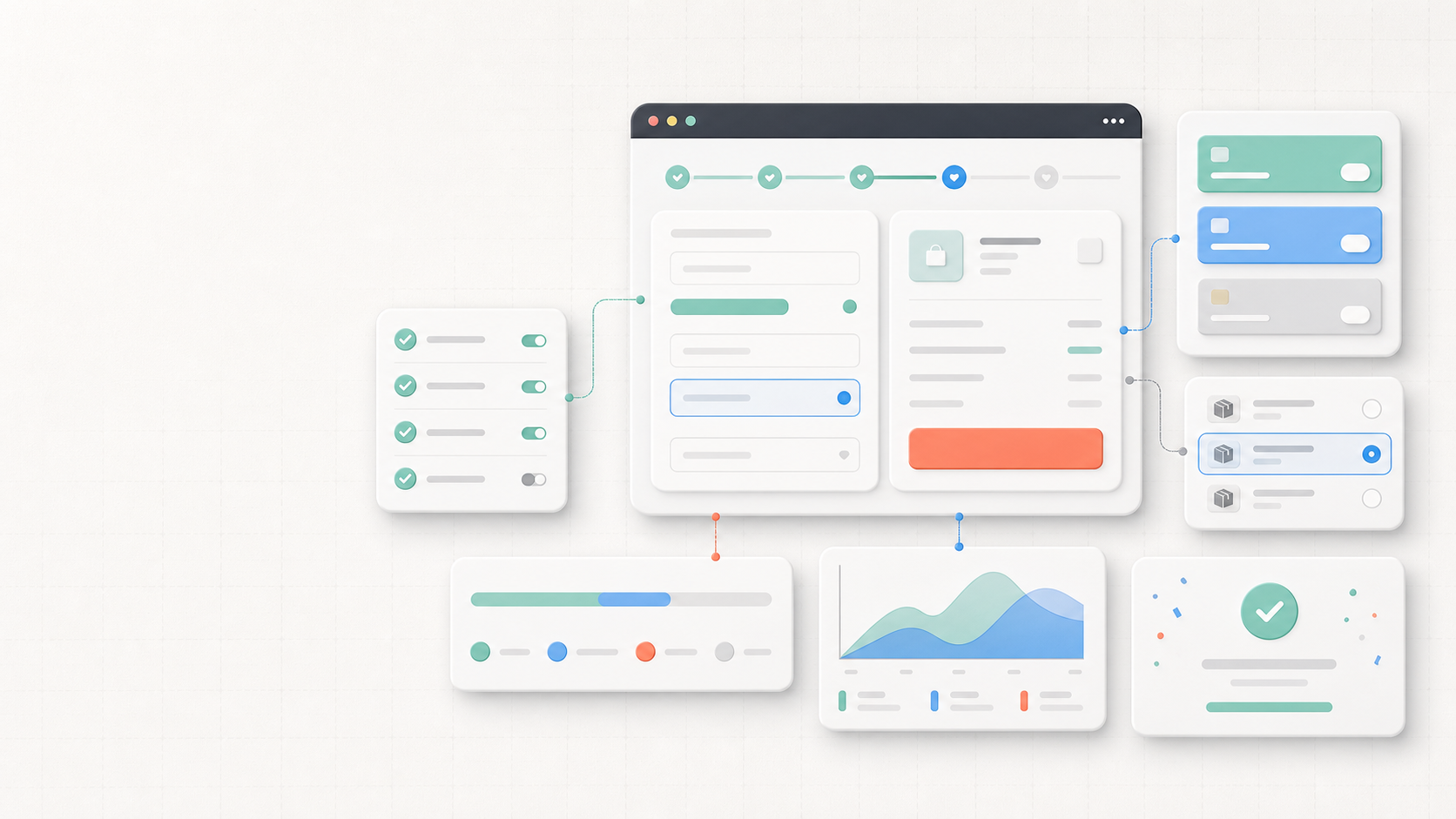
Abstract Shopify checkout QA workspace with checkout panels, payment cards, checklist rows, analytics chart, and order confirmation states

Practical tool

Checkout QA

Published

May 30, 2026

Read time

10 min read

Topic

Shopify / Checkout / Technical SEO / Operations / Playbook

01

Use this before launch traffic reaches checkout

A Shopify storefront can pass product page QA and still lose revenue in checkout. The risky issues are often small: one payment method fails on mobile, a shipping rule hides the right rate, a discount stacks incorrectly, taxes change by market, or the order confirmation page stops firing analytics.

This checklist is for Shopify theme launches, campaign launches, B2B storefronts, multilingual stores, and maintenance releases that touch checkout settings, apps, discounts, shipping, tracking, or customer accounts. Use it after products and content are close to final, but before paid traffic, email campaigns, or wholesale buyers are pointed at the store.

02

Step 1: Build a checkout test matrix

Do not test checkout with one product, one address, and one payment method. Build a compact matrix that covers the scenarios the business actually sells through. Include device, browser, market, currency, customer type, discount state, shipping destination, payment method, inventory state, and product type.

The matrix should be small enough to finish but specific enough to catch launch-blocking problems. A high-risk campaign may need 20 to 30 test orders. A narrow theme update may only need 8 to 12. The important part is that every row has an expected result before testing starts.

  • Include guest checkout, logged-in customers, first-time customers, and returning customers where relevant.
  • Cover normal products plus variants, preorders, bundles, subscriptions, gift cards, or digital items if the store sells them.
  • Test mobile and desktop separately because wallet buttons, address fields, and payment sheets can behave differently.
  • Mark each row as must-pass, monitor-only, or out of scope for this launch.

03

Step 2: Test payment methods and failure states

A successful test order is not enough. Checkout QA needs both approved and failed payment paths. Test card payments, express wallets, local payment methods, manual payment methods, installment options, and any payment apps that appear only for specific markets or order values.

Failure states matter because customers often recover from them if the next step is clear. The store should keep cart contents, preserve discount codes, show useful error messages, and let the shopper choose another payment method without starting over.

  • Run at least one successful test for each active payment method and market combination.
  • Test declined cards, expired cards, insufficient funds, authentication challenges, and abandoned payment sheets where supported by the provider.
  • Confirm express wallet buttons appear only where they should and do not cover checkout or cart UI on mobile.
  • Check that failed payment attempts do not create duplicate orders, duplicate subscriptions, or confusing customer emails.

04

Step 3: Verify shipping, taxes, duties, and inventory

Shipping and tax bugs are easy to miss because they depend on address, product, market, fulfillment rule, and inventory state. Test the addresses that matter most: domestic, international, remote regions, restricted regions, wholesale regions, and any places with special duties or tax handling.

Also check what happens when inventory changes during checkout. Customers should not be able to buy out-of-stock variants unless the store intentionally allows backorders. If a shipping rate, duty, or tax line changes after address entry, the reason should be clear enough for support to explain.

  • Confirm free shipping thresholds, flat rates, carrier rates, local pickup, and delivery options with realistic carts.
  • Test mixed carts with products from different fulfillment locations, shipping profiles, or product types.
  • Verify tax-exempt, B2B, international, and duty-paid scenarios if the store supports them.
  • Check sold-out, low-stock, deleted variant, and inventory-reservation behavior before launch freeze.

05

Step 4: QA discounts, gift cards, bundles, and subscriptions

Campaign problems often show up as discount problems. Test automatic discounts, code discounts, free gifts, bundle apps, subscription discounts, compare-at prices, gift cards, store credit, and any app-driven promotion logic. Confirm what should stack and what should be blocked.

The same promotion should make sense from product page to cart to checkout to order confirmation. If a customer sees one price before checkout and another price after entering shipping or logging in, the team needs to know whether that is expected behavior or a bug.

  • Test valid, expired, used, excluded, and case-sensitive discount codes.
  • Check sale campaigns with normal customers, logged-in customers, and B2B customers if pricing differs.
  • Confirm gift cards and store credit do not interfere with tax, shipping thresholds, or payment authorization.
  • Verify subscription, bundle, and upsell apps create the correct line items and order metadata.

06

Step 5: Check accounts, B2B, and localization scenarios

Checkout is not one flow if the store supports multiple customer types or markets. Test customer accounts, saved addresses, company locations, payment terms, wholesale catalogs, language selectors, currency display, localized address formats, and translated policy links.

Multilingual and B2B checkout QA should include long names, non-US phone numbers, accented characters, company addresses, VAT or tax IDs, and translated error states. The goal is to catch operational issues before real buyers send support screenshots.

  • Test guest checkout and account checkout with the same cart so the differences are intentional.
  • Confirm B2B customers see the right catalog, price list, payment terms, shipping rules, and tax treatment.
  • Check translated checkout, email, and order status copy for wrapping, missing variables, and mixed-language states.
  • Verify policy, return, privacy, and support links point to the right localized destinations.

07

Step 6: Preserve analytics, attribution, and order data

Checkout QA should include tracking and data handoff, not only the buyer-facing screens. Test whether analytics events, consent state, UTM parameters, click IDs, affiliate codes, landing page data, customer tags, order notes, and app metadata survive from cart through checkout.

A common launch problem is that orders are real but reporting is incomplete. Before launch, confirm the source of truth for purchase events, checkout steps, payment failures, and conversion values. The analytics team and support team should both know where to look.

  • Submit test orders with UTM parameters and confirm attribution is available in the expected systems.
  • Verify purchase events fire once, use the correct currency and value, and exclude failed or duplicate attempts.
  • Check consent behavior so tracking respects the banner while still recording allowed operational events.
  • Confirm order tags, metafields, notes, customer records, and fulfillment data match the checkout scenario.

08

Step 7: Test confirmation, emails, and support handoff

The checkout experience continues after payment. Review the order confirmation page, order status page, transactional emails, SMS notifications, invoice flows, pickup instructions, account history, and customer support handoff. Customers should know what happened and what comes next.

This is also where teams catch operational gaps. The warehouse, finance, support, and sales teams may rely on different fields from the same order. A test order should prove that every team receives enough information to fulfill, refund, answer, or follow up.

  • Check order confirmation, payment pending, canceled, refunded, partially fulfilled, and pickup-ready states.
  • Confirm transactional emails use the right brand, sender, reply-to address, language, links, and product data.
  • Verify support can find the order by email, order number, customer, company, and payment status.
  • Make sure test orders are clearly labeled so they can be excluded from reporting and fulfillment.

09

Step 8: Monitor the first launch window

Checkout QA does not end when the store goes live. During the first launch window, monitor orders, payment failures, checkout abandonment, discount usage, shipping-rate errors, support tickets, fraud review, fulfillment exceptions, and analytics gaps. Compare those signals against the expected launch traffic.

Keep a short launch log with issue, affected market, customer type, payment method, order example, owner, fix, and verification result. If revenue dips or support volume spikes, that log helps the team separate checkout bugs from traffic quality, promotion clarity, inventory limits, or fulfillment constraints.

  • First hour: watch successful orders, failed payments, discount usage, support messages, and error logs.
  • First day: review checkout abandonment, payment method mix, fulfillment exceptions, and analytics purchase counts.
  • First week: compare market-level conversion, shipping errors, refunds, chargebacks, and customer complaints.
  • Keep at least one verified test order per major scenario as a maintenance baseline.

QA checklist

  • 01Build a checkout test matrix by market, device, customer type, discount, shipping rule, and payment method.
  • 02Test successful payments, failed payments, express wallets, tax, duties, inventory, and shipping edge cases before traffic arrives.
  • 03Confirm discounts, gift cards, bundles, subscriptions, and B2B pricing behave consistently from cart to order confirmation.
  • 04Preserve analytics events, attribution fields, consent state, and order data through the full checkout flow.
  • 05Monitor orders, payment failures, checkout abandonment, support tickets, and analytics during the first launch window.

Keep reading

Now booking for Q2 2026

Start a project

Tell us your goal, timeline, and budget. We'll reply within 2 business days with the best next step.

I'm Max, founder of Build Build Studio. I work with a small network of trusted designers, developers, and specialists, keeping senior attention and direct communication close to every project.
Mo – Fr: 9AM–5PMGMT+8 local time

Project communication

Mandarin / ChineseNativeCantoneseNativeEnglishWorking proficiency

Formal proposals and pitch work are scoped as paid discovery.

Start a project