Digital experiences built for performance + scale
Back to Blog

Shopify

Shopify multilingual store launch checklist for SEO and operations

Launching Shopify in more than one language touches URLs, product data, theme text, checkout, apps, analytics, and SEO signals. Use this checklist before publishing a new market.

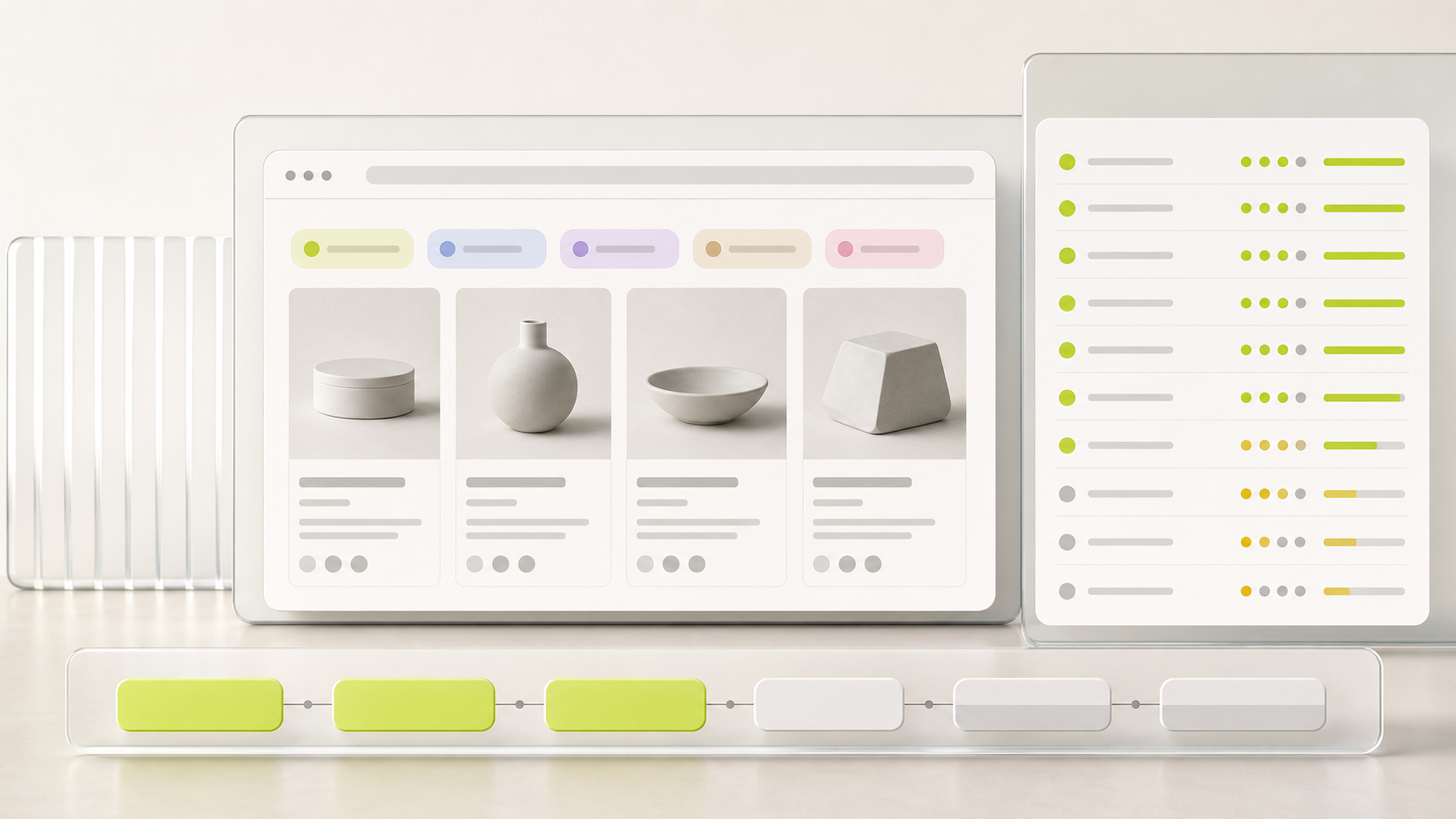
Abstract ecommerce QA interface with blank language panels and launch checklist for a multilingual Shopify store

Practical tool

Locale QA

Published

May 17, 2026

Read time

11 min read

Topic

Shopify / Multilingual / Technical SEO / Playbook

01

Use this before publishing a new market

A multilingual Shopify launch is not only a translation task. The store has to route customers to the right language and market, keep product content consistent, preserve search signals, and let the team update the site after launch without guessing which fields belong to which locale.

This checklist is for teams using Shopify Markets, Translate & Adapt, a third-party translation app, or a custom theme workflow. Use it before publishing a new language, adding a regional subfolder, or moving an existing international store into a cleaner Shopify setup.

02

Step 1: Freeze the market and URL map

Start with the structure that search engines and customers will actually see. List every market, language, currency, domain or subfolder, and launch state. A common mistake is translating content before the team has agreed whether a market belongs on a subfolder, subdomain, separate domain, or primary-domain language path.

Shopify can create separate URLs for translated content when languages are activated, and international URL choices affect redirects, sitemaps, analytics reporting, and support documentation. Treat the market map as a launch dependency, not an admin setting to finish later.

  • Create one row per market-language pair, including primary market, secondary markets, language code, currency, and URL pattern.
  • Mark whether the page set is fully localized, translated only, temporarily hidden, or intentionally not launched.
  • Decide which old URLs need redirects before theme QA begins.

03

Step 2: Build a product translation matrix

Product data usually creates the most launch risk because it appears in many places: product pages, collection cards, search results, recommendations, checkout, email notifications, structured data, and feeds. Missing translations often fall back to the store's primary language, which can make a market look unfinished even when the homepage is polished.

Build a spreadsheet or CMS view that separates source content from localized content. Include titles, descriptions, option names, variant names, product metafields, collection copy, vendor labels, size guides, shipping notes, return policy snippets, image alt text, title tags, and meta descriptions.

  • Prioritize top-selling products, paid landing page products, and products with regional compliance or sizing differences.
  • Check variant labels and option values because they often appear in selectors, cart lines, and checkout summaries.
  • Record fields that cannot be translated in the current app workflow so the team can handle them before launch.

04

Step 3: QA theme selectors and hard-coded strings

Language and country selectors need to be obvious enough for customers but stable enough for theme maintenance. Test them in the header, footer, mobile navigation, cart, and any campaign landing page template. A selector that works on the homepage but disappears on product pages creates unnecessary support friction.

Then audit the theme for hard-coded strings. Button labels, empty states, validation messages, cart notes, announcement bars, size guide labels, and promotional ribbons are often built directly into theme sections. If those strings are not translation-ready, the new market will still show source-language fragments after launch.

  • Test selectors on desktop and mobile with at least one long language name and one long currency display.
  • Open every high-use section and confirm labels, placeholders, and error messages can be localized.
  • Check that localized copy does not overflow buttons, cards, navigation, or checkout-adjacent blocks.

05

Step 4: Review app output in every locale

Reviews, subscriptions, bundles, search, recommendations, loyalty, chat, quizzes, email capture, and analytics apps can all inject customer-facing text. Those app surfaces are easy to miss because they might not live in the theme translation workflow.

Create an app output inventory before launch. For each app, record where it appears, which languages it supports, whether it has its own translation settings, whether it loads on every market, and who owns QA when the app changes later.

  • Check product pages, collection pages, cart, account pages, landing pages, and popups.
  • Confirm app widgets use the same market, language, and currency context as the storefront.
  • Remove app surfaces from markets where the copy or business logic is not ready.

06

Step 5: Test technical SEO signals by URL

Do not approve the launch by looking at admin settings only. Crawl a representative URL list for each language and market: homepage, top collections, top products, blog or guide pages, policy pages, and any paid landing pages. The goal is to confirm that rendered pages send consistent language and indexing signals.

Check title tags, meta descriptions, canonical URLs, hreflang alternates, sitemap inclusion, robots rules, structured data, and redirects. For Shopify themes, also inspect the rendered HTML after apps and theme scripts load, because customer-facing content and SEO tags can differ from what the editor suggests.

  • Each localized URL should have a localized title and description, not only translated body copy.
  • Canonical tags should point to the correct canonical page for that locale strategy.
  • Hreflang alternates should connect true equivalents, not unrelated fallback pages.
  • Redirects should preserve market subfolders where the destination is market-specific.

07

Step 6: Run checkout, shipping, tax, and notification paths

A multilingual store can pass homepage QA and still fail at the moment customers are ready to buy. Test add-to-cart, cart updates, checkout, shipping estimates, payment methods, order confirmation, customer account flows, abandoned checkout, and post-purchase notifications for each priority market.

Use real product combinations during QA: one simple product, one product with variants, one discounted product, one subscription or bundle if relevant, and one product with market-specific shipping or tax constraints. Record where Shopify handles localization automatically and where app or theme copy needs manual work.

  • Confirm prices, currency formatting, taxes, duties, delivery promises, and return-policy language are correct for the selected market.
  • Check transactional emails and notification templates, not only the storefront.
  • Document the exact test order path so the team can repeat it after theme or app updates.

08

Step 7: Verify analytics and consent by market

International launches often change how traffic is reported. Subfolders, domains, language selectors, consent banners, pixels, checkout steps, and currency changes can all affect analytics. Before launch, decide how the team will compare market performance without mixing language QA issues with real demand.

Test page views, product views, add-to-cart, checkout start, purchase, form submissions, newsletter signup, and language or country selector events. Confirm events are not double-firing after app scripts load, and make sure consent behavior matches the market where the visitor is browsing.

09

Step 8: Prepare the launch sheet and first-month monitoring

The practical handoff should be a launch sheet, not a long meeting recap. Include the market map, priority URL list, product translation matrix, app inventory, selector QA, SEO crawl results, checkout test orders, analytics screenshots, redirect list, rollback owner, and post-launch monitoring dates.

For the first month, watch 404s, redirect hits, indexed URLs, Search Console country and page data, organic landing pages, add-to-cart rate, checkout conversion, support tickets, and translation issues reported by customers. A multilingual Shopify launch is successful when the market can keep operating after the first week, not only when the pages are live.

  • First 24 hours: checkout, redirects, selector behavior, analytics, and support issues.
  • First 7 days: Search Console coverage, top landing pages, 404s, and app widget issues.
  • First 30 days: content gaps, conversion differences, market-specific product opportunities, and maintenance owners.


Launch checklist

  • 01Freeze market, language, currency, and URL decisions before content work starts.
  • 02Build a product translation matrix for titles, variants, metafields, collections, policies, and SEO fields.
  • 03QA theme selectors, hard-coded strings, and app widgets in every published language.
  • 04Crawl representative locale URLs for canonicals, hreflang, titles, descriptions, structured data, and redirects.
  • 05Verify checkout, notifications, analytics, consent, and post-launch monitoring by market.

Keep reading

Now booking for Q2 2026

Start a project

Tell us your goal, timeline, and budget. We'll reply within 2 business days with the best next step.

I'm Max, founder of Build Build Studio. I work with a small network of trusted designers, developers, and specialists, keeping senior attention and direct communication close to every project.
Mo – Fr: 9AM–5PMGMT+8 local time

Project communication

Mandarin / ChineseNativeCantoneseNativeEnglishWorking proficiency

Formal proposals and pitch work are scoped as paid discovery.

Start a project