Digital experiences built for performance + scale
Back to Blog

Playbook

B2B resource center SEO checklist before launch

A resource center can become a useful search asset or a messy archive. Use this checklist to plan taxonomy, templates, internal links, lead paths, analytics, and maintenance before launch.

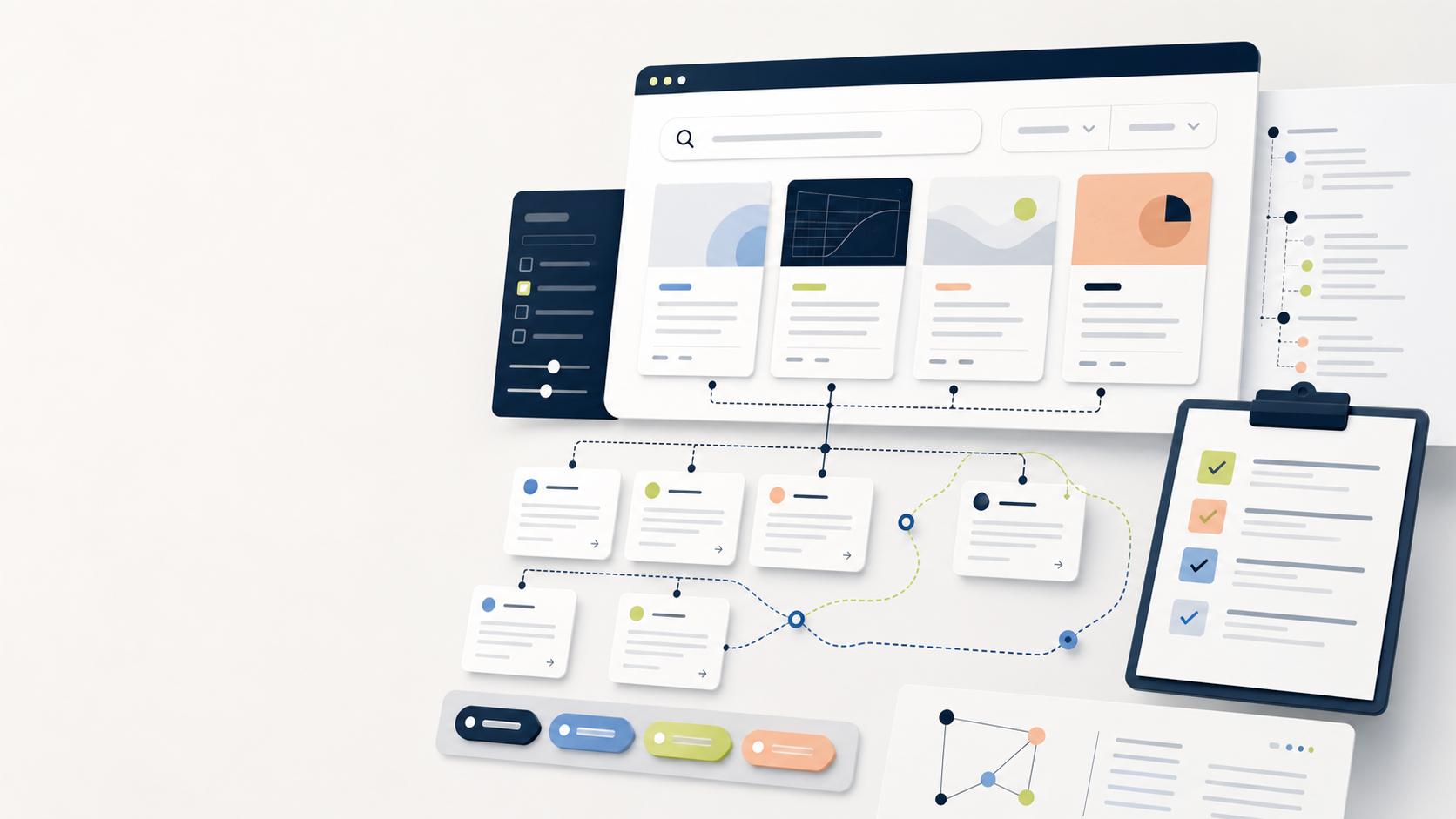
Abstract B2B resource center interface with content cards, filters, internal links, and a launch QA checklist

Practical tool

Resource center QA

Published

May 28, 2026

Read time

11 min read

Topic

B2B / Technical SEO / CMS / Operations / Playbook

01

Use this before a content hub becomes an archive

A B2B resource center should help buyers compare problems, see proof, and move toward a qualified conversation. If it launches as a loose archive, it usually creates duplicate topics, weak filters, orphaned pages, and content that nobody owns after the first campaign.

This checklist is for teams planning a blog, insights hub, resource library, documentation area, webinar archive, or gated asset center as part of a redesign or technical SEO project. Use it before design sign-off, before CMS development, and again during launch QA.

  • Primary keyword: B2B resource center SEO checklist.
  • Best fit: service websites, SaaS sites, industrial websites, professional services, and content-led lead generation.
  • Outcome: a hub that supports organic discovery, sales enablement, and measurable lead paths.

02

Step 1: Define the job of the resource center

Start by naming the business job, not the layout. A resource center for lead generation needs stronger conversion paths than a customer education library. A technical documentation hub needs search, versioning, and update governance. A thought leadership hub needs topic authority and editorial consistency.

Write one primary job and two secondary jobs. If every department wants the hub to do everything, split the backlog into phases. A focused first version is easier to launch, easier to measure, and less likely to turn into a folder of unrelated PDFs.

  • Primary job: generate qualified leads, support sales, educate customers, reduce support load, or build topic authority.
  • Secondary jobs: reuse sales assets, support account-based campaigns, localize content, or improve internal linking.
  • Non-goals: content types or audiences that should wait until phase two.

03

Step 2: Choose content types before templates

Do not design one generic post template and hope it handles every asset. List the content types first: guide, checklist, case study, webinar, white paper, comparison page, product note, FAQ, or documentation article. Then decide which fields each type needs.

A practical CMS model usually needs 5 to 8 content fields per type: title, summary, audience, topic, format, service or product relationship, publish date, and CTA. More fields may be useful, but every field needs a publishing reason and an owner.

  • Mark each content type as indexable, gated, ungated, sales-only, or support-only.
  • Decide whether PDFs need HTML landing pages so search engines and buyers can understand them.
  • Create sample entries before development to test whether editors can publish without custom help.

04

Step 3: Build taxonomy buyers can actually use

Filters are only helpful when the vocabulary is stable. Use terms that match buyer intent, service categories, industries, funnel stages, and formats. Avoid internal department names unless buyers search for them or sales uses them in real conversations.

Keep the first taxonomy small. Three useful filter groups are usually enough for launch: topic, format, and audience or industry. If a filter has only one item, remove it. If two filters always return the same content, merge them before the CMS model hardens.

  • Check every taxonomy term against navigation labels, service pages, and sales language.
  • Define whether filters create crawlable URLs, noindex URLs, or client-side states only.
  • Document who can add a new topic, format, or industry term after launch.

05

Step 4: Design pages for scanning and conversion

The listing page should help buyers narrow choices quickly. Show the format, topic, short summary, publish date, and recommended next step. Avoid card designs that look polished but hide the difference between a technical guide, a case study, and a short announcement.

Every detail page needs a next step. That does not always mean a demo button. It might be a related service page, a case study, a checklist download, a consultation form, or a sales enablement asset. The important part is that the path is intentional and measurable.

  • Check mobile cards for long titles, long industry names, and translated labels.
  • Place related resources where they support the reading flow, not only at the bottom.
  • Match CTAs to intent: early research, comparison, vendor evaluation, or implementation planning.

06

Step 5: Protect the technical SEO basics

A resource center can create hundreds of URLs, so technical rules need to be clear before launch. Decide canonical rules, pagination behavior, XML sitemap inclusion, robots rules, structured data, image alt text, and how filtered URLs should be handled.

If the site is multilingual, include language rules in the same QA pass. Each translated resource needs a matching slug strategy, hreflang relationship, localized metadata, and an owner for updates. Do not publish translated cards that point to missing or outdated detail pages.

  • Confirm indexable pages return 200 status codes, self-referencing canonicals, and unique metadata.
  • Test pagination, empty filter states, search results, and archived resources.
  • Add schema only when the visible content supports it, then validate the rendered HTML.

07

Step 6: QA measurement and ownership

Before publishing, define what success will mean after 30, 60, and 90 days. Track organic landing pages, assisted conversions, CTA clicks, form starts, form submissions, content downloads, search usage, and paths from resources to service pages.

Ownership matters as much as analytics. Assign one owner for taxonomy, one for content quality, one for technical QA, and one for conversion reporting. Without owners, the hub will slowly collect stale posts, broken CTAs, and inconsistent metadata.

  • Create analytics events for filter use, resource card clicks, internal search, CTA clicks, and form submissions.
  • Review top resources monthly for outdated claims, broken links, missing CTAs, and low-quality traffic.
  • Keep a redirect rule for renamed or merged resources so backlinks and campaign URLs survive cleanup.

08

Launch decision: publish, delay, or simplify

Publish when the hub has clear content types, useful taxonomy, stable templates, indexation rules, internal links, analytics, and owners. Delay when the launch depends on missing assets, uncertain filters, unresolved canonical behavior, or lead routing that nobody has tested.

Simplify when the first version is too complex. A resource center with 20 strong pages, 3 reliable filters, and clear conversion paths is better than a large library with weak metadata and no maintenance plan. The goal is not to look content-rich on launch day. The goal is to create a system that stays useful after launch.

Resource center checklist

  • 01Define the business job of the hub before designing filters or templates.
  • 02Limit taxonomy to terms buyers, sales, and content teams can maintain.
  • 03Give every resource page a next step, owner, canonical URL, and measurement plan.
  • 04QA indexability, internal links, schema, analytics, and lead routing before launch.
  • 05Delay launch when the hub has content gaps, orphaned pages, or no maintenance owner.

Keep reading

Now booking for Q2 2026

Start a project

Tell us your goal, timeline, and budget. We'll reply within 2 business days with the best next step.

I'm Max, founder of Build Build Studio. I work with a small network of trusted designers, developers, and specialists, keeping senior attention and direct communication close to every project.
Mo – Fr: 9AM–5PMGMT+8 local time

Project communication

Mandarin / ChineseNativeCantoneseNativeEnglishWorking proficiency

Formal proposals and pitch work are scoped as paid discovery.

Start a project