Build Build Studio

web / commerce / systems
built across markets

Back to Blog

Playbook

B2B website localization QA checklist before launch

Use this B2B website localization QA checklist to review translated service pages, SEO metadata, forms, CTAs, legal details, analytics, and handoff steps before a multilingual launch.

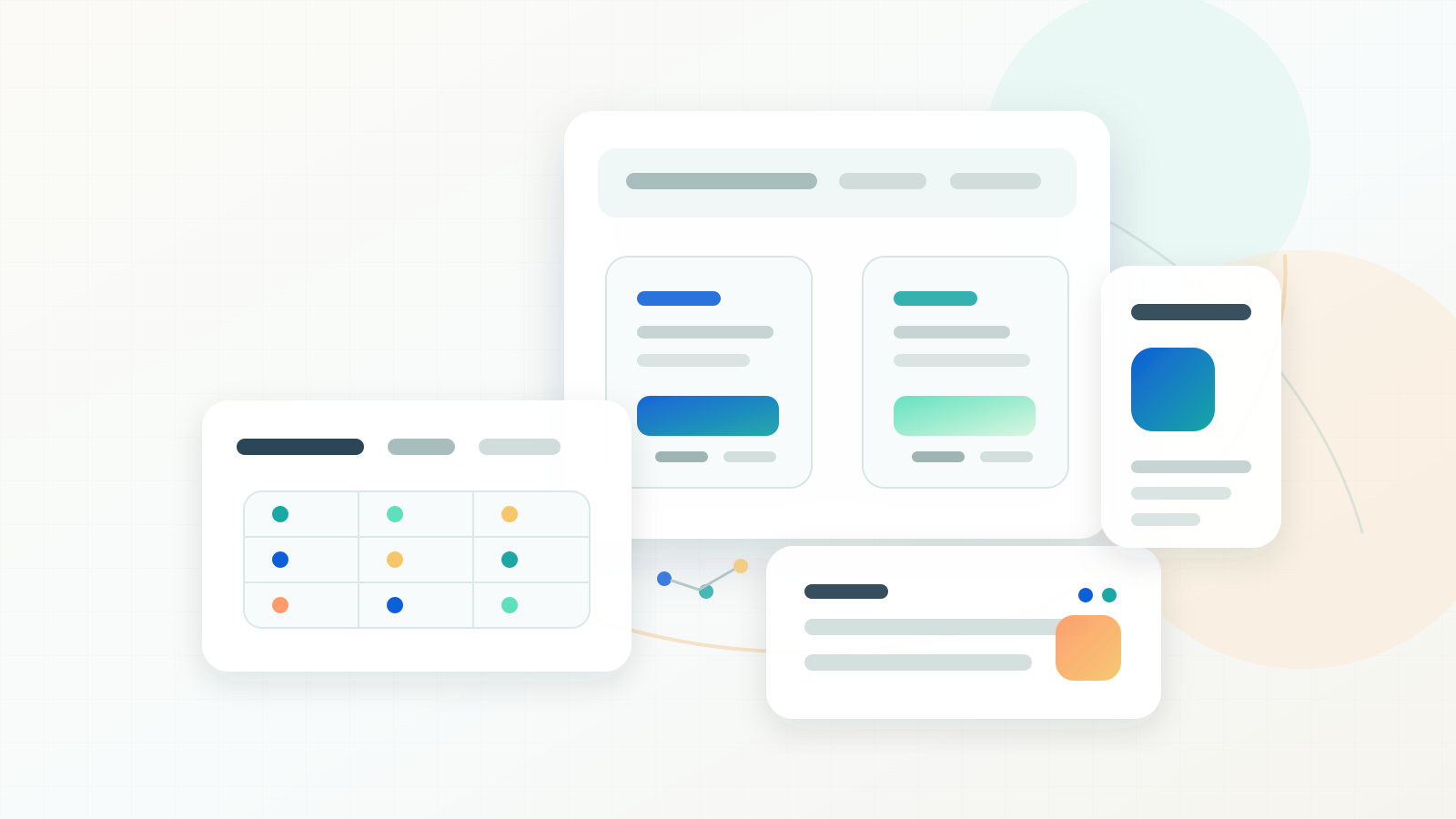
Abstract B2B website localization QA workspace with service page panels, review matrix, validation dots, and multilingual content blocks.

Practical tool

Localization QA

Published

Jun 20, 2026

Read time

9 min read

Topic

B2B / Multilingual / Technical SEO / QA / Playbook

01

Use this checklist before translated B2B pages go live

A B2B website localization QA checklist helps teams catch the issues that normal proofreading misses: mismatched service positioning, broken lead forms, untranslated metadata, wrong legal claims, and language-switcher paths that send prospects to a generic page.

This checklist is for B2B service websites, multilingual redesigns, WordPress or headless CMS builds, and Shopify B2B storefronts that publish localized landing pages. Use it after translation is loaded into the CMS and before URLs are submitted to search engines, sales teams, or paid campaigns.

02

Step 1: Build a page-by-page localization matrix

Start with a matrix rather than a folder of translated copy. Each row should represent one live page or template, and each column should show the equivalent localized URL, owner, status, and QA result. This prevents the team from treating a missing page, drafted page, and approved page as the same thing.

For B2B sites, the matrix should also capture page intent. A consulting service page, pricing page, case study, resource article, and contact page all have different conversion risks. The localized page should answer the same buyer question as the source page, even when the wording and proof points need to change.

  • Track source URL, localized URL, page type, market, language, reviewer, translation status, SEO status, form status, and launch decision.
  • Mark pages as ready, hold, or intentionally excluded instead of leaving blank cells.
  • Add columns for title tag, meta description, canonical, hreflang cluster, internal links, schema, and sitemap status.
  • Include top business pages first: homepage, service pages, pricing or package pages, case studies, resource hubs, and contact pages.
  • Keep the matrix with redirect maps, content migration notes, and analytics QA so launch owners can inspect one source of truth.

03

Step 2: Review translated intent, not only grammar

Clean grammar is not enough for B2B localization. The translated page needs to preserve the business promise, buyer stage, offer, and proof. A literal translation can accidentally weaken a value proposition, overstate a claim, or use terminology that local decision makers would not search for.

Ask reviewers to compare the source and localized page side by side. They should approve the meaning, examples, service names, audience terms, proof points, and next step. If the local market uses a different buying vocabulary, document the preferred term and reuse it across navigation, headings, metadata, and forms.

  • Check whether the H1 and first screen communicate the same service outcome as the source page.
  • Review industry terms, buyer titles, certifications, case-study claims, and compliance-sensitive wording.
  • Confirm that testimonials, logos, results, dates, and statistics are valid for the localized market.
  • Replace source-market examples when they would confuse local buyers or sales teams.
  • Create a glossary for repeated terms such as implementation, retainer, audit, migration, SLA, and support.

04

Step 3: QA multilingual SEO fields

Localization QA should include every search-facing field, not just visible page copy. Title tags, meta descriptions, Open Graph content, alt text, structured data, breadcrumb labels, sitemap output, and internal anchor text all shape how the page appears in search and social previews.

Pay special attention to translated slugs and canonicals. A localized URL can use translated words, stable English slugs, or market-specific paths, but the decision needs to be consistent. Canonicals should usually point to the same-language URL, while hreflang should connect the equivalent pages in the cluster.

  • Write a localized title tag under about 60 characters when possible and keep the primary service keyword near the front.
  • Write a localized meta description around 150 to 160 characters that matches the page promise and call to action.
  • Check rendered headings, image alt text, breadcrumb labels, schema fields, and Open Graph previews.
  • Confirm the canonical URL, hreflang alternates, x-default decision, sitemap inclusion, and indexability.
  • Use internal links that point to the localized equivalent page when it exists, not always to the default-language URL.

05

Step 4: Test CTAs, forms, calendar flows, and CRM handoff

Lead capture is where localized B2B launches often fail. The page may look complete while the form validation, consent copy, thank-you page, calendar embed, CRM routing, or sales notification still uses the default-language setup. Test every conversion path from the localized page, not only the global contact form.

Run at least one real QA submission per locale and record where the lead lands. The payload should include the correct page URL, locale, campaign source when applicable, consent value, service interest, and routing owner. If the sales team cannot tell which localized page created the lead, the handoff is not ready.

  • Submit forms with local phone formats, company names, email domains, required fields, and validation errors.
  • Check CTA links, sticky buttons, pricing inquiry links, downloadable resources, and meeting scheduler language.
  • Verify thank-you pages, autoresponder emails, admin notifications, CRM fields, and sales assignment rules.
  • Confirm privacy, consent, cookie, and newsletter opt-in language for each market.
  • Document test lead IDs so marketing, sales, and engineering can trace the whole path.

06

Step 5: Check layout, typography, and mobile behavior

Localized content changes length. German, French, Chinese, Japanese, and Spanish copy can reshape cards, navigation, button labels, comparison tables, and form fields. A desktop page can look stable while mobile navigation, sticky CTAs, tab labels, or pricing tables overflow.

Test at real breakpoints instead of relying on a single preview. Compare mobile, tablet, laptop, and wide desktop views for the most important templates. The goal is not pixel-perfect matching between languages. The goal is clear hierarchy, readable content, intact forms, and stable conversion paths in every locale.

  • Inspect navigation, language switchers, service cards, pricing tables, case-study cards, FAQs, and footer links.
  • Check long words, translated button labels, line breaks, truncation, and overlapping UI elements.
  • Verify that fonts support the language and that fallback fonts do not change layout unexpectedly.
  • Review image crops, captions, alt text, and localized screenshots or diagrams when used.
  • Test keyboard focus, form errors, and screen-reader labels for translated interactive elements.

07

Step 6: Validate analytics and search-console readiness

A localized page is not ready if the team cannot measure it. Analytics events, conversion goals, cookie consent, UTM handling, search-console properties, and sitemap submission should all be reviewed before launch. Otherwise, the first month of performance data becomes guesswork.

Use consistent event names across locales while capturing locale and page path as parameters. This lets marketing compare English and Chinese service pages without creating a separate reporting model for every language. It also helps sales spot which localized content generates qualified conversations.

  • Check page_view, form_start, form_submit, calendar_click, file_download, CTA click, and thank-you events.
  • Confirm that locale, page type, service interest, and campaign source are captured where useful.
  • Inspect consent behavior before and after acceptance in every locale.
  • Submit or refresh XML sitemaps and verify important localized URLs in Google Search Console.
  • Create a post-launch monitoring sheet for impressions, clicks, indexed status, conversions, and wrong-language visits.

08

Localization QA handoff template

The final handoff should be short enough that future content owners will actually use it. Include the page matrix, glossary, reviewer names, known exceptions, launch decisions, test lead records, sitemap notes, and the next monitoring date.

Use three decisions for every localized page. Ready means copy, SEO, layout, forms, analytics, and routing are approved. Hold means a blocker exists and the page should not launch. Exception means the team intentionally accepts a gap, such as a missing case study translation, with an owner and follow-up date.

  • Ready: localized page has approved intent, metadata, internal links, canonical, hreflang, form flow, analytics, and mobile layout.
  • Hold: page has untranslated critical copy, broken conversion flow, wrong canonical, noindex mistake, layout overflow, or missing reviewer approval.
  • Exception: localized page can launch with a documented limitation, owner, risk level, and review date.
  • Post-launch: review search indexing, wrong-language traffic, form submissions, and sales feedback after the first crawl and campaign cycle.

Localization QA checklist

  • 01Audit localization by page intent, not just translated words, so each market receives an equivalent service-page promise.
  • 02Check titles, meta descriptions, headings, internal links, canonicals, hreflang, and schema before translated URLs go live.
  • 03Run form, CTA, calendar, CRM, and email-notification tests in every locale because lead capture often breaks outside the default language.
  • 04Keep a decision log for terms, claims, compliance details, currencies, measurements, and fallback content.
  • 05Hand over a repeatable QA matrix so future translated pages follow the same launch process.

Keep reading

Build a site your team can keep running

Strategy, design, development, SEO foundations, and launch support for brands growing across markets.

Start a projectContact@buildbuild.studio