Digital experiences built for performance + scale
Back to Blog

Playbook

Shopify section documentation template for maintainable themes

Use this Shopify section documentation template to define purpose, fields, limits, SEO rules, QA states, and ownership before a custom theme becomes hard to maintain.

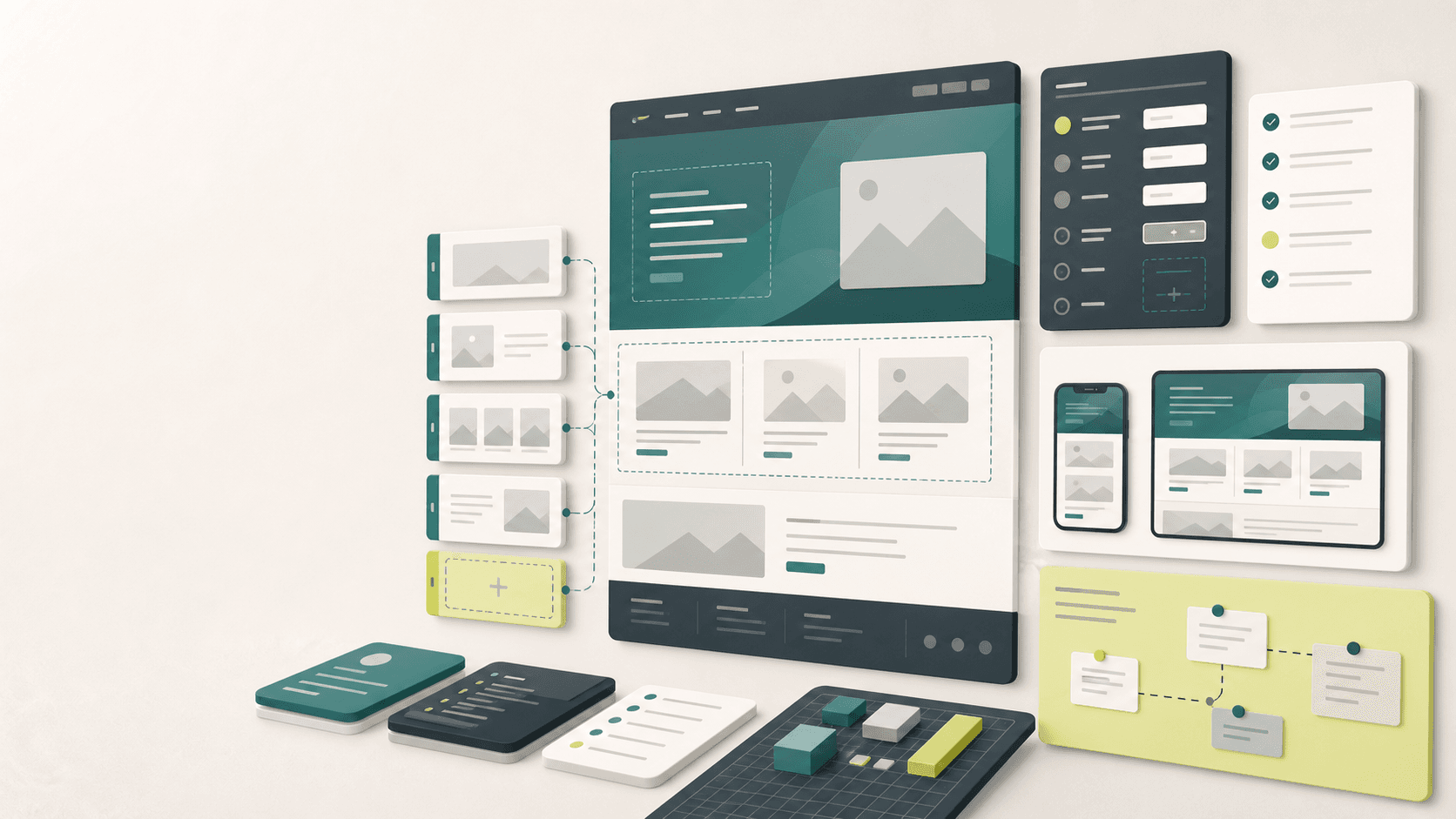
Abstract Shopify section documentation workspace with modular storefront blocks, field schema cards, preview panels, and QA checklist columns

Practical tool

Section docs

Published

Jun 6, 2026

Read time

10 min read

Topic

Shopify / CMS / Operations / Technical SEO / Playbook

01

Use this before custom sections become hard to edit

A Shopify section is not just a visual block in a theme. It is an editing interface that the marketing, merchandising, and content teams will use long after the developer has moved on. If that interface is not documented, the store slowly turns into a collection of sections that nobody wants to touch before a campaign.

This template is for Shopify theme builds, redesigns, migration cleanups, and maintenance retainers where custom sections need to stay editable. Use it before handoff, when adding a new section, or when auditing an old theme that has too many similar blocks.

02

Step 1: Start with the section's job

Document the business job of the section before listing fields. A product proof section, campaign hero, collection feature, press strip, comparison table, and FAQ block all need different rules. If the job is vague, the fields usually become vague too.

Write one sentence that explains what the section helps the merchant do. Then define where it is allowed to appear and where it should not be used. This keeps the theme from collecting duplicate sections that solve the same problem in slightly different ways.

  • Section purpose: what page problem does this section solve?
  • Allowed templates: homepage, product page, collection page, landing page, blog, or policy page.
  • Non-use cases: where would this section create clutter, duplicate content, or weak SEO signals?
  • Owner: who can approve changes to this section after launch?

03

Step 2: Document every merchant-facing field

Every field should be clear to a non-developer. The documentation should describe the label, field type, expected content, default value, required state, and what happens if the field is empty. This is especially important for image pickers, product references, collection references, rich text, links, and metafield-connected content.

Do not rely on the theme editor label alone. Add practical examples and limits. If a field accepts a heading, say how long it can be. If an image needs a crop, record the ratio. If a product card uses metafields, note the source and fallback.

  • Field label, field type, required or optional state, and default value.
  • Character limits for headings, eyebrow text, body copy, buttons, and badges.
  • Image ratio, focal point guidance, mobile crop behavior, and alt text source.
  • Data source: manual input, product field, collection field, metafield, metaobject, or app output.

04

Step 3: Set content and design limits

Good sections have constraints. A flexible theme does not mean every field can accept any content at any length. Without limits, the section will look fine in the original design and then break when a campaign uses a longer translation, a square image, or three CTAs where one was intended.

Define the limits in plain language. The goal is not to make the merchant afraid of editing. The goal is to make editing predictable, so the page still looks intentional when real content replaces the sample content.

  • Minimum and maximum number of blocks, cards, slides, logos, FAQs, or product references.
  • Button rules: one primary CTA, optional secondary CTA, link destination, and empty-state behavior.
  • Responsive rules for mobile order, stacked cards, hidden media, image cropping, and sticky elements.
  • Fallback states for missing images, missing links, out-of-stock products, empty collections, and unpublished content.

05

Step 4: Add SEO and performance rules

Section documentation should include SEO and performance rules because many storefront issues start as innocent content edits. A merchant changes a section heading and creates skipped heading levels. A campaign swaps an image and doubles the page weight. A collection feature links to a filtered URL that should not be indexed.

Add a short SEO and performance note to every section that can affect search visibility, internal linking, structured data, or Core Web Vitals. This makes technical SEO part of the editing model instead of a separate launch-week cleanup.

  • Heading rule: whether the section can contain an H1, H2, H3, or only styled text.
  • Image rule: recommended dimensions, compression target, lazy-loading behavior, and alt text responsibility.
  • Link rule: allowed destinations, canonical product or collection links, and when to avoid parameterized URLs.
  • Performance rule: script usage, video behavior, carousel limits, app embeds, and animation constraints.

06

Step 5: Capture QA states before handoff

A section is not ready because it looks good with perfect design copy. It is ready when it survives the messy states the store will actually use. Run a small QA matrix for each section before handoff and keep the result in the documentation.

This matrix becomes useful later during maintenance. When someone changes the theme, the team already knows the critical states to retest instead of guessing which pages might be affected.

  • Desktop, tablet, and mobile checks with real content, not only placeholder content.
  • Long heading, long translation, missing image, missing CTA, empty optional field, and maximum block count.
  • Product unavailable, collection empty, variant-heavy product, sale price, subscription product, and localized market.
  • Theme editor preview, live page render, analytics event, internal link, and SEO metadata where relevant.

07

Step 6: Define ownership and change rules

Documentation should say who can change the section and when a developer needs to be involved. Some updates are safe content edits. Others change page hierarchy, data dependencies, SEO output, performance, or conversion tracking. The team should not discover that difference during a campaign.

Add a simple change rule table: safe for merchant, needs content lead review, needs SEO review, needs developer review, or deprecated. That gives the store an operating model instead of a pile of hidden theme knowledge.

  • Merchant-safe edits: copy, image, product reference, link, order, or visibility.
  • Review-needed edits: heading structure, schema output, campaign tracking, app embeds, or navigation links.
  • Developer-needed edits: new fields, layout changes, metafield source changes, scripts, and animation behavior.
  • Deprecation rule: when to hide, replace, merge, or remove sections that are no longer used.

08

Step 7: Turn the template into a section library

The final handoff should be a small section library, not a forgotten PDF. Keep one page per section with the purpose, fields, limits, examples, screenshots, QA states, SEO notes, and ownership rules. Link it from the project wiki, theme repository, or client handoff document.

A good section library reduces maintenance cost because future work starts with known constraints. The next developer can see why fields exist. The merchant can see how to use the section. The SEO team can see which edits affect headings, links, images, and structured data.

09

Copy this into your handoff checklist

For each custom Shopify section, document: purpose, allowed templates, field map, content limits, media rules, SEO rules, performance notes, QA states, ownership, change rules, and deprecation guidance.

That is enough to keep most sections usable after launch. The theme will still evolve, but it will evolve from a documented system instead of from memory, screenshots, and emergency fixes.

Documentation template

  • 01Document each custom section as an editor-facing product, not only a design block.
  • 02Define the section job, allowed page types, field rules, content limits, and fallback states before handoff.
  • 03Include heading, image, internal link, schema, and performance rules so SEO is not left to memory.
  • 04QA sections with long text, missing content, mobile crops, translations, and product edge cases.
  • 05Assign owners and change rules so the theme stays maintainable after launch.

Keep reading

Now booking for Q2 2026

Start a project

Tell us your goal, timeline, and budget. We'll reply within 2 business days with the best next step.

I'm Max, founder of Build Build Studio. I work with a small network of trusted designers, developers, and specialists, keeping senior attention and direct communication close to every project.
Mo – Fr: 9AM–5PMGMT+8 local time

Project communication

Mandarin / ChineseNativeCantoneseNativeEnglishWorking proficiency

Formal proposals and pitch work are scoped as paid discovery.

Start a project