Digital experiences built for performance + scale
Back to Blog

Shopify

Shopify sale campaign QA checklist for discounts and tracking

Use this Shopify sale campaign QA checklist before a promotion goes live to test discount rules, bundles, carts, Markets, inventory, analytics, and rollback steps.

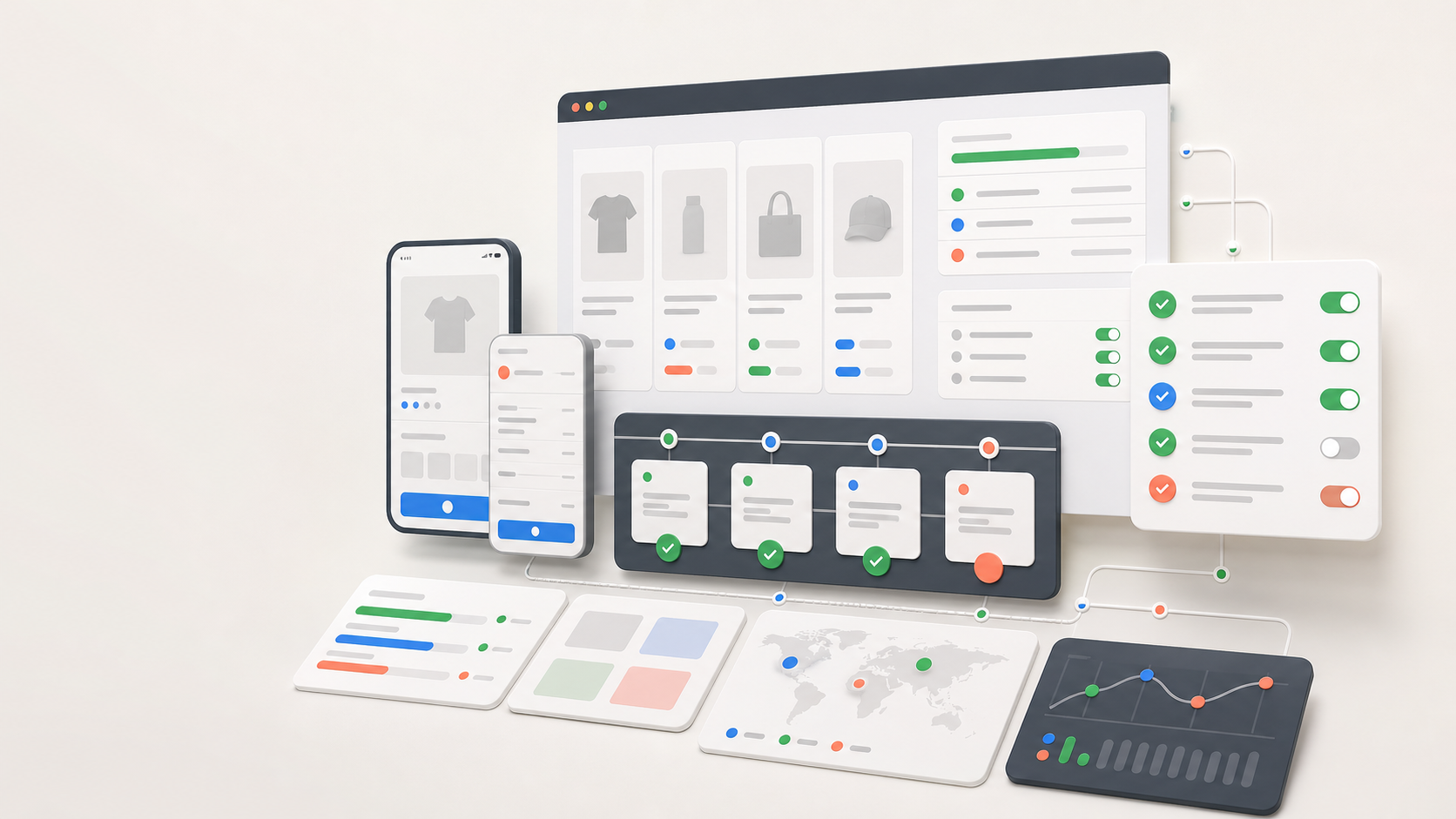
Abstract ecommerce campaign QA board with product cards, checkout states, checklist panels, localization map, and analytics blocks

Practical tool

Campaign QA

Published

May 21, 2026

Read time

11 min read

Topic

Shopify / Operations / Technical SEO / Playbook

01

Use this before sale traffic goes live

A Shopify sale campaign can fail even when the theme looks ready. The risk usually sits in the details: one discount stacks incorrectly, a bundle app changes the cart total, inventory rules hide a promoted product, a localized market sees the wrong price, or analytics reports the sale without attribution.

This checklist is for ecommerce teams preparing a seasonal sale, product drop, limited bundle, wholesale promotion, email campaign, paid media push, or cross-market launch. Use it after the campaign plan is approved and before traffic is pointed at the store.

02

Step 1: Create the campaign source of truth

Start with one document that defines what the campaign is allowed to do. Shopify Admin, theme sections, email tools, ad platforms, fulfillment rules, and customer support scripts all need the same rules. If the plan only exists in meeting notes, the store will drift during setup.

The source of truth should include dates, time zone, eligible products, excluded products, markets, customer segments, discount method, stacking rules, bundle logic, inventory limits, shipping rules, landing pages, creative owners, and rollback owners.

  • Record the exact start and end times, including the time zone and any early-access windows.
  • List every campaign URL, collection, product template, cart drawer, checkout dependency, email, and ad destination.
  • Define who can approve a late change and who can pause the campaign if checkout or tracking breaks.
  • Keep a change log so QA knows which rules changed after the first test pass.

03

Step 2: Test discount logic with realistic carts

Discount QA should use the carts customers will actually build, not one perfect test cart. Include full-price products, sale products, excluded products, bundles, subscriptions, gift cards, low inventory items, high quantity orders, and products from different shipping profiles.

Check automatic discounts, discount codes, Shopify Functions, bundle apps, loyalty rewards, customer tags, free shipping rules, and order minimums. The important question is not only whether the discount applies. It is whether it applies once, in the right order, to the right items, and with a clear message.

  • Test at least 10 cart combinations: one-item, multi-item, excluded item, bundle, subscription, gift card, free shipping, market-specific, logged-in, and guest checkout.
  • Confirm discount stacking behavior for every active promotion, including abandoned cart codes and loyalty rewards.
  • Check whether discounts survive quantity changes, cart drawer edits, checkout reloads, and customer login.
  • Document expected totals before testing so reviewers can spot small rounding or stacking errors.

04

Step 3: QA product, collection, cart, and checkout states

A campaign touches more than the sale landing page. QA the homepage, promoted collection pages, product detail pages, quick-add components, cart drawer, full cart page, checkout, order confirmation, search results, recommendation modules, and email landing paths.

Review the states customers see when the sale is live, not only the default state. That includes out-of-stock products, unavailable variants, final-sale copy, compare-at prices, bundle availability, discount messages, limit-per-customer rules, and any free gift threshold.

  • Check desktop and mobile for product cards, collection filters, sorting, sticky add-to-cart bars, cart drawers, and checkout summary rows.
  • Verify sold-out, low-stock, preorder, subscription, and gift-card states before the campaign starts.
  • Place at least two real test orders if payment settings allow it, then refund or cancel them through the normal operations flow.
  • Make sure confirmation emails, order tags, fulfillment notes, and customer account views match the campaign rules.

05

Step 4: Protect sale URLs and SEO signals

Temporary campaigns still create permanent signals. Paid ads, emails, backlinks, internal links, and search engines may keep hitting sale URLs after the campaign ends. Decide before launch whether each sale URL should stay live, redirect, become a recap page, return to an evergreen collection, or be removed from navigation.

For campaign pages and promoted collections, check title tags, meta descriptions, canonical URLs, robots settings, Open Graph images, structured data, breadcrumbs, internal links, and sitemap behavior. SEO QA matters even when the campaign is mainly paid or email driven.

  • Use final production URLs in emails, ads, QR codes, influencer links, and internal navigation.
  • Check that sale pages do not inherit noindex, staging canonicals, broken Open Graph images, or expired metadata.
  • Plan end-of-sale redirects before launch, especially for short-lived collection handles and landing page slugs.
  • Update internal links after the sale so evergreen pages do not keep sending customers to expired offers.

06

Step 5: Verify Markets, inventory, shipping, and tax rules

Shopify Markets can change what the customer sees and what the business can legally sell. A sale that works in the primary market may fail in another currency, language, tax region, delivery zone, or product catalog. Campaign QA should include the markets that will actually receive traffic.

Test localized prices, rounding, compare-at prices, translated sale copy, currency formatting, duties, shipping rates, pickup options, restricted products, and payment methods. If the campaign excludes a market, confirm the customer sees a clear path instead of a broken or misleading offer.

  • Run the priority cart tests for each market, language, currency, and shipping profile used in the campaign.
  • Check inventory thresholds and oversell rules for promoted SKUs, variants, bundles, and free gifts.
  • Confirm tax-inclusive pricing, duties, shipping thresholds, and delivery promises in checkout.
  • Document market-specific exceptions for support, paid media, and post-sale reporting.

07

Step 6: Check apps, theme changes, and performance

Campaigns often add temporary app output: bars, pop-ups, timers, bundle widgets, review badges, quizzes, cart upsells, email capture forms, and tracking scripts. Each one can change page speed, layout stability, discount behavior, accessibility, and checkout confidence.

Review app output on the same pages where traffic will land. The question is not whether the app works in isolation. It is whether the app works with the theme, cart, discount rules, cookie banner, mobile viewport, and other scripts under campaign load.

  • Disable or pause campaign apps that do not have a clear owner, measurable purpose, or rollback plan.
  • Check mobile layout with the announcement bar, sticky header, chat widget, cookie banner, and cart drawer open.
  • Measure the main landing pages after campaign scripts are enabled, not before they are installed.
  • Keep a list of every temporary theme, app, and script change that must be removed or reviewed after the sale.

08

Step 7: Verify analytics, attribution, and customer data

A successful sale is hard to evaluate if tracking is wrong. Test the full path from campaign URL to page view, product view, add to cart, begin checkout, purchase, email signup, lead form, CRM record, and ad platform conversion. Events should fire once, with useful parameters, and only after the intended action.

Preserve UTMs, click IDs, coupon codes, market, currency, landing page, product ID, variant ID, customer status, and consent state where the business uses them. If the campaign uses a headless front end or custom checkout-adjacent logic, test both browser events and server-side records.

  • Submit test sessions from email, paid search, paid social, organic, influencer links, and direct traffic.
  • Check that cookie consent settings do not block required operational data or double-fire marketing pixels.
  • Compare Shopify orders, analytics events, ad platform conversions, and email revenue for the same test purchases.
  • Label test orders and test customers so reporting and support teams can remove them later.

09

Step 8: Prepare rollback, support, and post-sale cleanup

Launch day is easier when rollback decisions are made before pressure starts. Define what happens if checkout fails, a discount stacks incorrectly, an app slows the store, inventory sells out early, or an ad sends traffic to the wrong URL. Assign owners for each decision.

After the sale, remove temporary sections, pause expired apps, clean up navigation, update redirects, review 404s, reconcile analytics, archive campaign screenshots, and document what changed. The cleanup is part of the campaign, not an optional maintenance task.

  • First 2 hours: monitor checkout errors, conversion events, support tickets, inventory, and campaign URLs.
  • First 24 hours: review orders, discounts, refunds, payment failures, 404s, page speed, and attribution gaps.
  • After the sale: remove expired offers, update redirects, pause temporary scripts, and write a short QA retrospective.
  • Turn the final issue log into the starting checklist for the next campaign.

Campaign QA checklist

  • 01Create one campaign source of truth before discount setup, creative, email, ads, and support teams diverge.
  • 02Test discount stacking, bundles, excluded products, subscriptions, gift cards, and customer segments with realistic carts.
  • 03QA sale landing pages, collection URLs, canonical rules, redirects, Markets content, and checkout paths together.
  • 04Verify attribution, conversion events, pixels, consent behavior, and CRM data before campaign traffic goes live.
  • 05Prepare rollback owners, support macros, monitoring windows, and a post-sale cleanup checklist before launch day.

Keep reading

Now booking for Q2 2026

Start a project

Tell us your goal, timeline, and budget. We'll reply within 2 business days with the best next step.

I'm Max, founder of Build Build Studio. I work with a small network of trusted designers, developers, and specialists, keeping senior attention and direct communication close to every project.
Mo – Fr: 9AM–5PMGMT+8 local time

Project communication

Mandarin / ChineseNativeCantoneseNativeEnglishWorking proficiency

Formal proposals and pitch work are scoped as paid discovery.

Start a project