
Digital experiences built for performance + scale
Back to Blog

SEO

Image SEO and performance checklist for Shopify and B2B websites

Use this image SEO and performance checklist to plan filenames, alt text, responsive sizes, compression, LCP behavior, structured data, CDN rules, and post-launch maintenance.

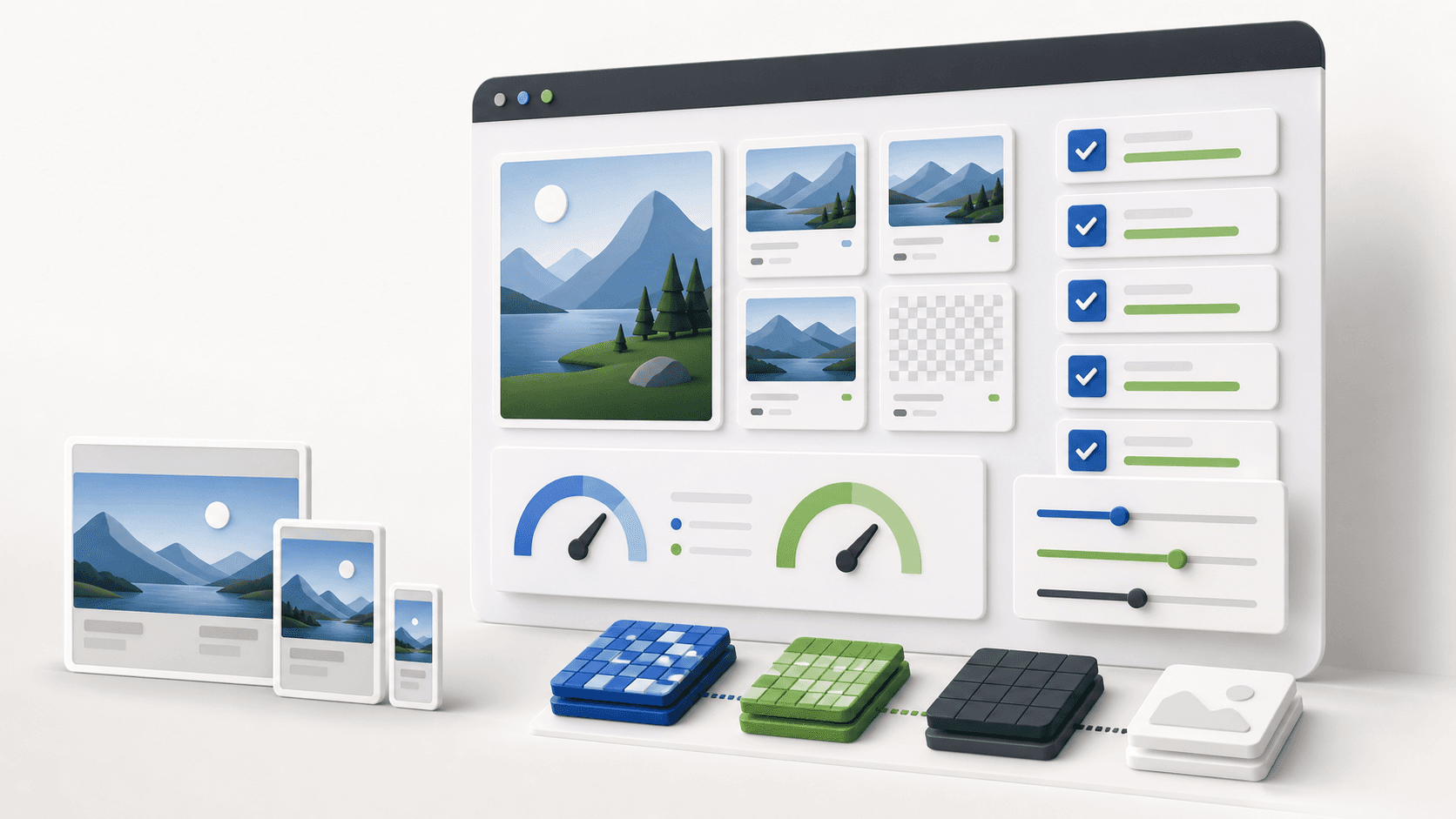
Abstract image SEO performance dashboard with responsive image cards, compression controls, checklist rows, and speed gauges

Practical tool

Image SEO QA

Published

Jun 2, 2026

Read time

9 min read

Topic

Technical SEO / Shopify / B2B / Operations / Playbook

01

Use this before image-heavy pages go live

Images are usually treated as visual content, but they also affect rankings, conversion, accessibility, and page speed. On a Shopify store, product photos, collection banners, variant images, review media, and campaign hero images can decide whether a visitor trusts the product. On a B2B website, diagrams, case study visuals, team photos, logos, resource thumbnails, and service page graphics carry proof.

The risk is that image work gets split across design, development, content, SEO, and merchandising. Everyone touches the assets, but nobody owns the final QA. This checklist gives teams a practical pass before launching a new theme, redesign, migration, or image-heavy content update.

02

Step 1: Inventory every image type

Start with a simple image inventory. Do not optimize only the homepage hero and a few product photos. List every image type that appears across templates, because each type has a different SEO and performance job.

A useful inventory names the template, image role, source system, owner, required aspect ratio, minimum display width, fallback state, and where the image appears on mobile. For Shopify, include product media, variant images, collection cards, blog images, theme section images, badges, icons, and third-party app media. For B2B sites, include service page graphics, case study cards, resource thumbnails, partner logos, author photos, charts, screenshots, and downloadable previews.

  • Mark images as revenue-critical, trust-building, editorial, decorative, or operational.
  • Record where editors upload each image: Shopify admin, WordPress media library, headless CMS, DAM, or app dashboard.
  • Flag images used above the fold because they may affect Largest Contentful Paint.
  • Keep a separate list for images that must appear in social sharing, product feeds, or structured data.

03

Step 2: Set filenames, alt text, and surrounding context

Image SEO starts before compression. Filenames, alt text, captions, nearby headings, product names, and page copy all help search engines understand what the image represents. The goal is clarity, not stuffing the same keyword into every field.

Write alt text based on image purpose. A product image should identify the product and useful visual detail. A chart should summarize the information a sighted user gets from the chart. A decorative divider should use empty alt text in the rendered HTML. A logo grid may need brand names if the logos prove customer trust. A button icon may need an accessible label from the button rather than separate alt text.

  • Use descriptive filenames before upload, such as product material, model, use case, or page topic.
  • Avoid alt text like image, banner, screenshot, graphic, or repeated keyword strings.
  • For multilingual websites, localize alt text for important product, service, and editorial images.
  • Check that CMS editors can edit alt text without asking a developer for routine changes.

04

Step 3: Choose sizes, formats, and responsive rules

Performance problems often come from serving the right image in the wrong size. A 2400px desktop hero should not be sent unchanged to a 390px mobile viewport. A thumbnail should not use the same source file as a full product gallery image. Responsive image rules need to match the actual layout.

For each image type, define source size, generated width variants, file format, quality level, and cropping rules. Modern stores and B2B sites usually benefit from AVIF or WebP where supported, with JPEG or PNG fallbacks when needed. The exact numbers depend on the design, but a practical starting point is 320, 640, 960, 1280, 1600, and 2000px variants for flexible content images.

  • Use srcset and sizes so the browser can pick the right file for the viewport and layout slot.
  • Keep small thumbnails under tight budgets; many should land below 100 KB after compression.
  • Treat above-the-fold hero images separately from below-the-fold gallery and card images.
  • Test 1x and 2x displays so compressed images remain sharp without shipping unnecessary weight.

05

Step 4: Protect LCP and layout stability

The largest above-the-fold image often becomes the Largest Contentful Paint element. If it loads late, shifts the layout, or waits behind low-priority scripts, the page feels slower even when the rest of the build is clean.

Give critical images stable dimensions, an aspect ratio, and predictable containers. Preload or prioritize the true hero image when it is the LCP candidate. Lazy load images below the first viewport, but do not lazy load the main hero just because a plugin makes that the default. Also test cumulative layout shift: images without width, height, or aspect-ratio rules can move content after the page starts rendering.

  • Identify the LCP element on key templates: homepage, product page, collection page, service page, case study, and blog post.
  • Use loading priority intentionally: eager or preload for the main hero, lazy for lower content.
  • Reserve image space before the file loads to avoid layout shifts.
  • Retest mobile performance on real network conditions, not only desktop Lighthouse defaults.

06

Step 5: Check SEO signals in templates and feeds

Images should connect to the page's structured data and sharing metadata. Product pages need product images in Product schema and merchant feeds. Articles and case studies need reliable Open Graph and social preview images. Resource centers need consistent thumbnails so internal links look trustworthy.

During QA, inspect rendered HTML rather than only CMS fields. Confirm image URLs are crawlable, canonical page URLs are correct, and important images are not blocked by robots rules or hotlink protection. For Shopify, check collection cards, product JSON-LD, variant media, and app-injected review or UGC images. For WordPress and headless builds, check featured image fields, image transforms, CDN URLs, and social metadata.

  • Confirm Open Graph and Twitter images use the intended cover, not a random first image.
  • Check Product schema, Article schema, BreadcrumbList, and image fields where relevant.
  • Make sure image URLs return 200 status codes and the correct content type.
  • Do not index thin attachment pages or media pages that compete with the real landing page.

07

Step 6: QA migrations, CDNs, and cache rules

Image migrations can quietly break organic visibility and user trust. Old image URLs may disappear, filenames may change, CDN transforms may fail, or cached low-quality versions may stay live after launch. This matters when a redesign moves from WordPress to Shopify, from a legacy theme to headless commerce, or from one CMS image service to another.

Before launch, crawl old and new templates with images enabled. Spot-check old high-value image URLs, especially those that rank in image search, appear in product feeds, or are embedded in partner materials. Decide which old image URLs need redirects, which can 404 safely, and which should be preserved because external systems still reference them.

  • Test image URLs with query parameters, resized variants, and CDN transformation paths.
  • Verify cache-control headers for long-lived assets and fast update paths for campaign images.
  • Check that private staging or signed URLs are not published in live CMS fields.
  • Keep the original source assets somewhere the maintenance team can access after launch.

08

Step 7: Add image QA to the maintenance workflow

Image optimization fails over time when the launch checklist is not turned into an operating habit. A new campaign banner, a supplier photo, a sales deck screenshot, or a resource thumbnail can undo a clean performance budget in one upload.

Create a lightweight rule for ongoing maintenance. Editors should know maximum dimensions, accepted formats, naming conventions, alt text expectations, and who reviews high-impact images. Developers should provide safe defaults in the theme or component system, so editors do not need to understand every responsive image detail to publish safely.

  • Add image checks to content publishing, product upload, campaign launch, and monthly maintenance routines.
  • Track oversized images, missing alt text, broken image URLs, and slow image-heavy templates.
  • Review image performance after each major theme, plugin, app, CDN, or CMS change.
  • Keep a short image handoff sheet with owners, upload rules, transform rules, and retest dates.

09

A simple handoff template

The final handoff does not need to be complicated. Use one sheet with a row for each image type. Include the template, image role, source system, owner, aspect ratio, width variants, format, max file size target, alt text rule, loading rule, schema or social usage, CDN behavior, pass or fail status, and retest owner.

That sheet becomes the bridge between design intent, SEO requirements, development implementation, and post-launch maintenance. It also makes image SEO less dependent on memory, which is the main reason image quality drifts after launch.

Image SEO checklist

  • 01Inventory every hero, product, collection, case study, blog, logo, icon, and CMS image before optimization starts.
  • 02Write alt text based on image purpose, not keyword stuffing, and localize critical image descriptions for multilingual pages.
  • 03Set width variants, formats, dimensions, lazy loading, and preload rules so images help LCP instead of hurting it.
  • 04Check product schema, Open Graph images, image sitemaps, redirects, and CDN behavior during migrations.
  • 05Make image QA part of the CMS workflow so new uploads do not undo the launch performance work.

Keep reading

Now booking for Q2 2026

Start a project

Tell us your goal, timeline, and budget. We'll reply within 2 business days with the best next step.

I'm Max, founder of Build Build Studio. I work with a small network of trusted designers, developers, and specialists, keeping senior attention and direct communication close to every project.
Mo – Fr: 9AM–5PMGMT+8 local time

Project communication

Mandarin / ChineseNativeCantoneseNativeEnglishWorking proficiency

Formal proposals and pitch work are scoped as paid discovery.

Start a project